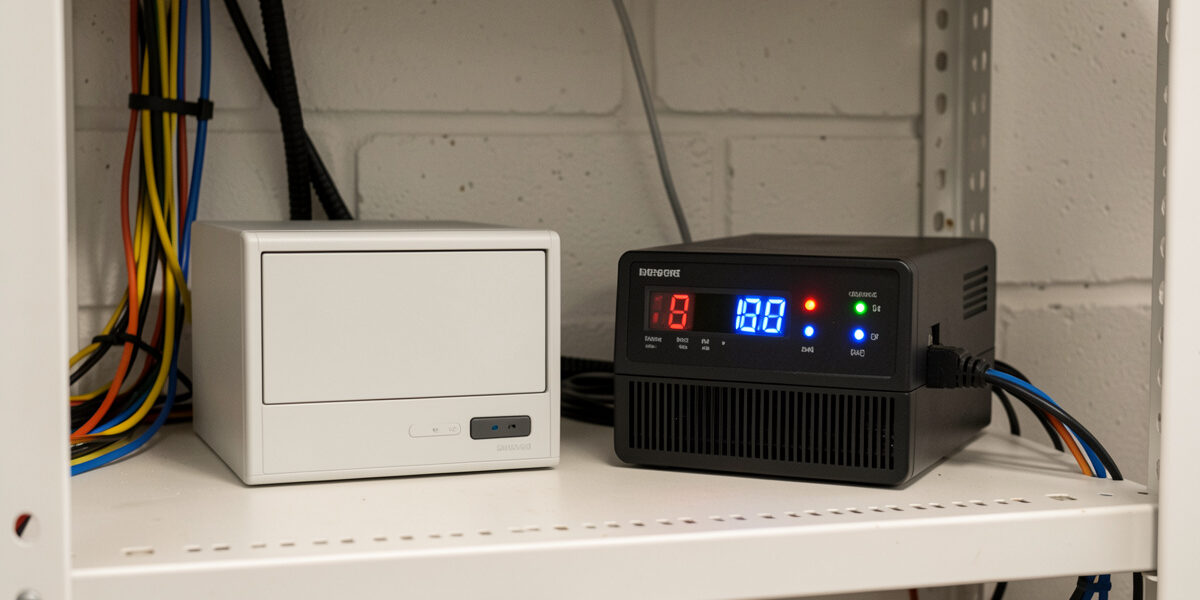
Local-only coop automation means every critical function — the door, the heated waterer, the lights — runs on devices that talk to a Home Assistant box in your house, with no round-trip to a manufacturer’s server. When the internet drops, and rural internet drops, the door still opens at dawn and the waterer still heats below freezing. A coop that opens its door “via the cloud” is one outage away from a flock locked in at dawn, and that is a risk I am not willing to design in.
This is the foundation under everything else in my setup: the door, the freeze-watch, the alerts all assume local control. Here is how to choose cloud-free devices and build the failsafes that keep the coop running when the internet, the power, or Home Assistant itself stumbles. It is the principle that ties the whole Home Assistant coop automation system together.
Why the Cloud Is the Wrong Place for a Coop’s Safety
A cloud-dependent device sends its commands and readings to a company’s server and back. That adds three failure points your flock should never depend on: your internet connection, the company’s servers, and the company’s continued existence. Any one of them going down — an outage, a server problem, an app being sunset — and your “smart” door stops being smart. For a living-room light that is an annoyance. For the door between your birds and a fox, it is a dead flock.
Rural and semi-rural keepers feel this hardest, because the coop is exactly where the internet is least reliable. And outages love to coincide with storms — the same weather that knocks out your connection is the weather a predator hunts in and the cold a waterer freezes in. Designing the coop to keep working with the internet gone is not paranoia; it is matching the system to when it is needed most. Home Assistant running locally is what makes that possible — the automations live on a box in your house, deciding and acting without ever leaving your network.
Choosing Cloud-Free Devices
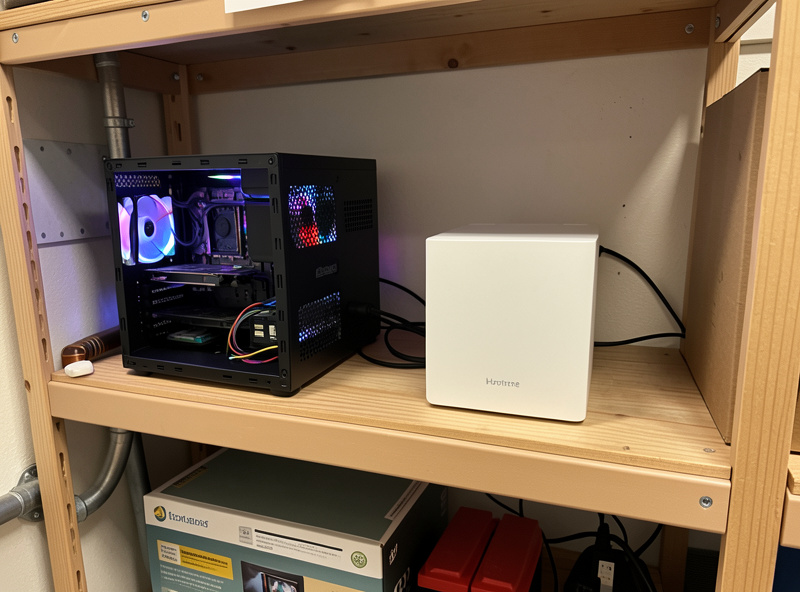
The single best way to stay local is to choose devices that can work without a cloud account in the first place. That means favoring local protocols — Zigbee and Z-Wave talk to a coordinator on your Home Assistant box with no internet at all, and many Wi-Fi devices can be flashed or configured for local control. The trap is a device that requires a manufacturer app and account to function: even if Home Assistant can see it, it may stop working the moment the cloud does.
Before I buy anything for the coop’s safety path, I ask one question: does this still work with the internet unplugged? If the answer is no, it does not go on the door, the waterer, or the cameras. A Zigbee door contact, a locally-controlled smart plug, an ESPHome sensor, a PoE camera with a local stream — all answer “yes.” The protocol trade-offs behind those choices are in Zigbee vs Z-Wave vs Wi-Fi. Convenience-only devices — a light, a non-critical sensor — can be cloud-dependent if you like; the safety path cannot.
The Failsafes Every Local Coop Needs
Local control removes the internet as a failure point, but two others remain: power and Home Assistant itself. The failsafes below are what handle them. None is exotic, and together they are the difference between a coop that rides out a bad night and one that fails silently.
| Risk | Failsafe | Why it matters |
|---|---|---|
| Power outage | UPS on the Home Assistant box and router | Keeps the brain alive through short cuts and storm blips |
| Coop power loss | Door fails to a safe state; battery on the door | Door never sits open-and-dead overnight |
| Home Assistant reboot | Native automations that restore instantly | Schedule resumes without waiting on add-ons |
| Door jam/freeze | Contact sensor + door-failed alert | You learn the door did not close, while you can act |
| Heater failure | Power-monitoring plug + dead-element alert | You act before the water freezes, not after |
| Internet down | All safety logic runs locally | Door, waterer, lights keep working regardless |
The UPS is the one people skip and regret. A small uninterruptible power supply on the Home Assistant box and the network gear keeps the coop’s brain alive through the short outages and brownouts that are most common, and gives you a clean shutdown rather than a corrupted system on a longer one. The power side — sizing backup for the coop’s own loads — is covered in coop battery backup, and the broader failure-mode thinking in smart coop safety failsafes.
The Door Must Fail to a Safe State
The most important failsafe is what the door does when it loses power or its brain. A door that fails open at night is worse than no door — it leaves the flock exposed while you assume they are shut in. So the door needs to either hold its last position mechanically, or carry its own small battery so a brief power cut does not strand it half-open. Decide this deliberately, and test it: cut the power and watch what the door does.
This is also why the door’s basic operation should never depend on Home Assistant being up. I can work my door from a local control or by hand when Home Assistant is rebooting for an update, because the door is a local device first and an automated one second. The full reasoning on fail-open versus fail-closed is in the door offset guide; the short version is that night failures must never leave the door open and unwatched.
What Is Allowed to Use the Cloud
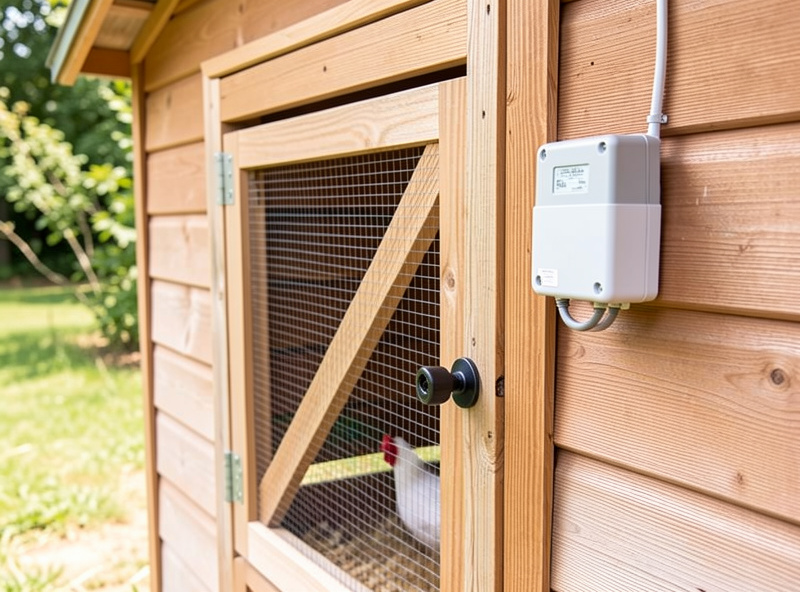
Local-first does not mean anti-internet. There is exactly one job I happily hand to the cloud: pushing notifications to my phone when I am away from home. The Home Assistant app’s push service needs the internet to reach me across town, and that is fine — because the decision to alert is made locally, and nothing the flock depends on rides on that push arriving. If the internet is down, the door still closes, the waterer still heats, and the local dashboard still shows the truth; I just will not get the buzz until I am home or back online.
That is the correct division: the cloud for convenience and reach, never for the safety loop. The same logic applies to remote dashboard access — nice to have from the office, but the coop does not care whether I am watching. Keep that line sharp and you get the best of both: a coop you can check from anywhere, that does not need you, or the internet, to keep your birds alive. The alert design that respects this is in coop notifications.
Where to Run Home Assistant Matters
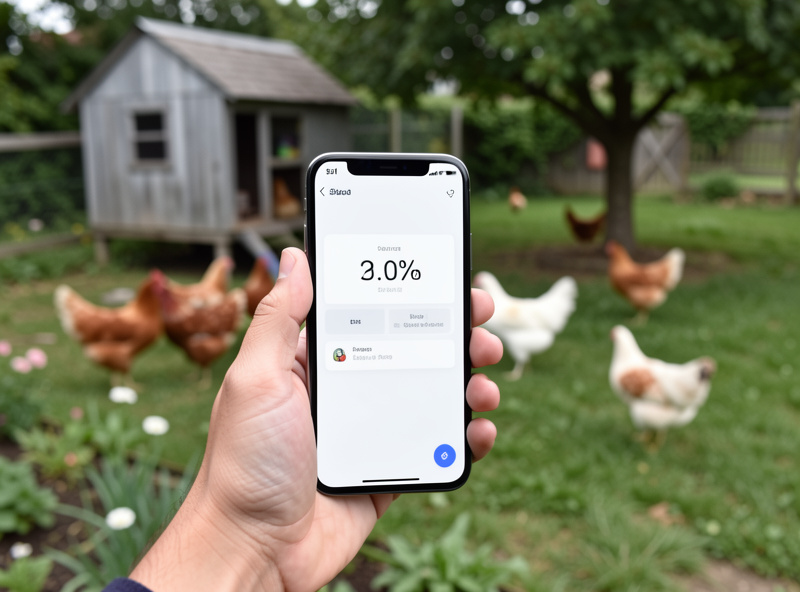
Local control is only as reliable as the box the brain runs on. For years I have favored a small, dedicated machine over an old laptop that sleeps or a phone-grade gadget — something that boots cleanly after a power cut and runs unattended for months. If you run Home Assistant on a Raspberry Pi, the weak point is the SD card: they wear out and corrupt, usually at the worst time, so move the system onto a proper SSD or use a small mini-PC. The coop’s brain failing is as serious as any device failing, because every local automation depends on it.
Network gear counts too. The Home Assistant box, the Zigbee or Z-Wave coordinator, and the router all need to stay up together for the local system to function, which is why the UPS covers the router as well as the server. Keep the coordinator stick on a short USB extension away from the machine’s own interference, and put the whole stack — server, router, UPS — somewhere dry, cool, and not prone to being unplugged. A tidy, boring, reliable rack in a utility room is exactly what you want; the coop is the interesting part, the brain should be dull and dependable.
One more habit: keep a backup of your Home Assistant configuration. Automations, dashboards, and entity setups represent real hours of work, and a snapshot means a dead SSD costs you a restore, not a rebuild. Local-first is about removing single points of failure, and an un-backed-up config is one of the biggest. Treat the brain with the same seriousness you treat the coop wiring — it is infrastructure, not a gadget.
Build the Spine Local, Then Relax
Get the local foundation right and everything else becomes low-stakes. Once the door, waterer, and cameras run on cloud-free devices behind a UPS-backed Home Assistant box with sensible failsafes, you can add convenience features freely — a cloud-connected light, a remote camera view, whatever — knowing none of it can take down the safety spine. That is the order that matters: prove the local core through a full season, then layer convenience on top.
If you are building from here, the natural next steps are wiring this local foundation into a single coop dashboard, getting the sunrise/sunset door and freeze-watch waterer rock-solid as your first two automations, and reading the full automation guide for how the whole system fits together. Build it local-first, and the coop keeps your birds safe whether or not anyone — including the internet — is paying attention.
Related Guides
- Home Assistant Chicken Coop Automation: The Complete Guide
- Sunrise/Sunset Door Offset Automation
- Freeze-Watch for the Heated Waterer
- Coop Notifications: Door-Failed and Predator Alerts
- Building a Coop Dashboard in Home Assistant
- Zigbee vs Z-Wave vs WiFi for the Coop
Related Guides
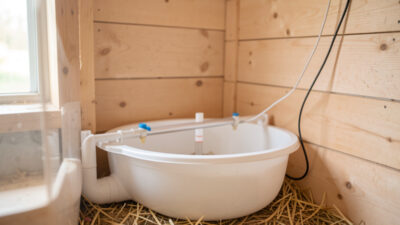
Water-Level and Flow Sensors: Knowing the Waterer Is Empty Before They Do
A coop water-level sensor tells you the drinker is going dry — or freezing solid — before the flock does,…
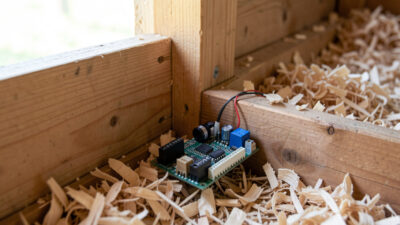
Ammonia Sensors for the Coop: Catching Air Problems Before You Smell Them
An ammonia sensor belongs at the birds’ breathing height, close to the litter where the gas is generated, because that…
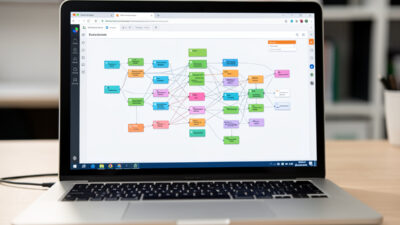
Node-RED vs Home Assistant Automations for the Coop: When to Use Which
Use native Home Assistant automations for the coop’s simple, safety-critical rules — the sunrise door, the freeze-watch waterer — and…