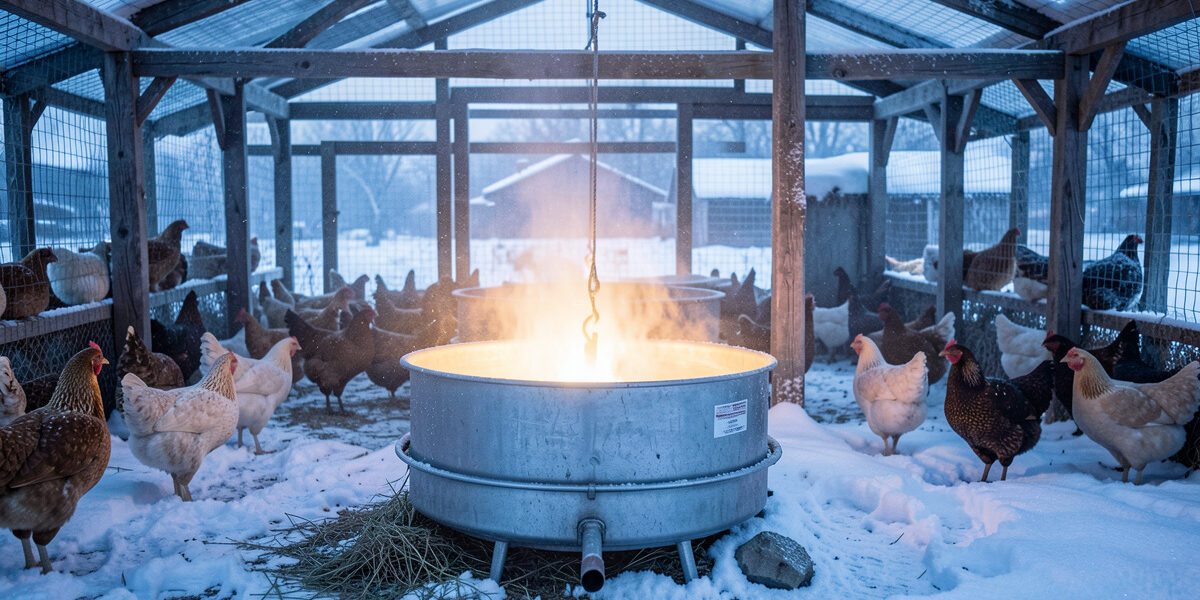
The freeze-watch automation I run switches my heated waterer on when an outdoor temperature sensor drops below 2 °C and off again above 4 °C, with a power-monitoring smart plug confirming the heater is actually drawing current. That last part is the difference between a real automation and a hopeful one: the plug tells me the heating element is alive before the water freezes, not after I find a block of ice at 7 a.m.
A waterer that skins over by dawn is the cold-climate failure nobody warns new keepers about. In a Swedish January the surface freezes fast, and birds without liquid water in front of them suffer for it. I have lost mornings to a frozen waterer and a dead heater element, and this automation is what I built so it never happens unannounced again. If you want the system this fits into, see the Home Assistant coop automation hub; here we are doing the waterer, properly.
Why a Heated Waterer Is Not Optional in Winter
Chickens need constant access to liquid water; it drives digestion and, in laying hens, egg production. When the waterer freezes, that access stops, and in deep cold it stops within hours of dawn. Below freezing, an unheated waterer in an exposed run is a guaranteed daily failure — you are either breaking ice by hand morning and night or you are not giving your flock water, and there is no third option that a timer fixes.
Heat alone, though, is not the answer either. A heated waterer left permanently on wastes power and, in milder spells, keeps the water needlessly warm. The job for Home Assistant is to apply heat only when it is genuinely needed, and — just as importantly — to tell you when the heater has failed. The hardware side of which waterers actually survive sub-zero use is covered in the heated chicken waterer guide; this article is the automation wrapped around it.
The Trigger: Temperature With a Hysteresis Band
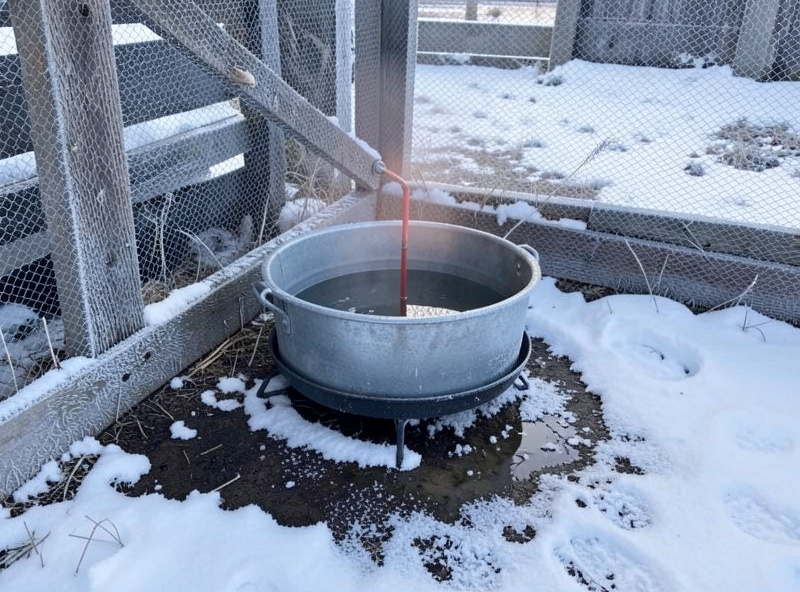
The core of the automation is a temperature sensor and two thresholds, not one. If you switch the heater on and off at a single temperature — say, on below 2 °C, off above 2 °C — the plug will chatter, flicking on and off every time the reading wobbles by a tenth of a degree around the line. That hammers the relay in the smart plug and the heater element both.
The fix is a hysteresis band: turn the heater on below 2 °C and off only once the temperature climbs back above 4 °C. The 2-degree gap means the plug switches a handful of times a day as the weather actually changes, not hundreds of times as the sensor jitters. Those numbers suit my climate; if you run a milder winter you can tighten the band, and in extreme cold you can widen it. The principle — never switch on and off at the same threshold — holds everywhere.
Place the temperature sensor where it reads the air around the waterer, not in direct sun and not next to the heater itself, or you will get a reading that lies about what the water is actually experiencing. I use an outdoor sensor in the shaded part of the run; the broader logic of where to put coop sensors and what thresholds matter is in coop temperature alerts.
The Power Check That Catches a Dead Heater
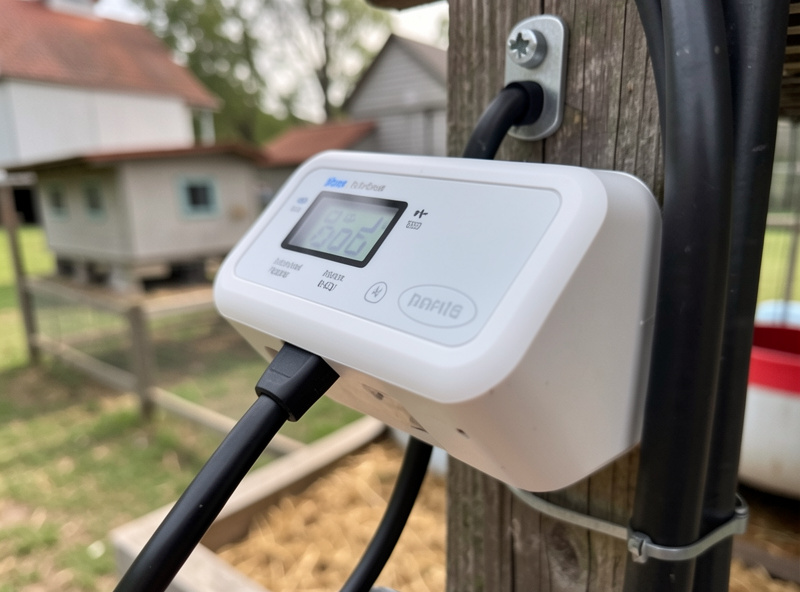
This is the part most “smart waterer” setups skip, and it is the whole reason I trust mine. A heated waterer plugged into a dumb timer or a basic smart plug tells you nothing when the element burns out — the plug says “on,” the water freezes anyway, and you find out when you walk outside. A power-monitoring smart plug reports the wattage it is actually delivering.
So my automation does two things. It switches the heater on the temperature trigger, and then, while commanded on in freezing weather, it checks that the plug reports a sensible wattage. If the plug says “on” but reads near-zero watts, the element has failed, and that fires an alert to my phone — while the water is still liquid and I still have time to swap in a backup. A heater that fails silently is worse than no heater, because it costs you the vigilance you would otherwise keep. The alert side of this lives in the coop notifications guide.
What the Automation Looks Like
In plain language, the freeze-watch is three rules working together. Rule one: when the outdoor sensor reads below 2 °C, turn the waterer plug on. Rule two: when it reads above 4 °C, turn it off. Rule three: when the plug has been commanded on for a few minutes in freezing weather but reports near-zero power, send a “heater failed” alert. All three build in the visual automation editor — the only slightly advanced piece is the power-threshold condition, which is just “is the plug’s power sensor below X watts.”
I keep these as native Home Assistant automations rather than putting them in Node-RED, because they are simple state rules and they survive a restart cleanly. The freeze-watch is exactly the kind of safety-critical, low-branching logic that belongs in native automations; I explain that split in Node-RED vs Home Assistant for the coop.
Local Control Is the Point
Every piece of this runs locally. The temperature sensor talks to Home Assistant over Zigbee or as a local ESPHome node, the smart plug switches on the local network, and the automation lives on the Home Assistant box in my house. If my internet drops in the middle of a cold snap — which is exactly when rural internet drops — the heater still switches on the temperature trigger, because nothing in that chain needs the cloud. The only thing that needs the internet is the alert reaching my phone when I am away, and the water staying liquid does not depend on that. This is why I build the whole coop local-first.
Sensor and Plug Choices That Don’t Let You Down
For the temperature trigger I want a sensor rated to actually function in the cold — cheap indoor sensors can drift or quit at the temperatures where this matters most. A DIY ESPHome sensor with a probe rated for sub-zero use is my preference, because I can place the probe precisely and keep the board protected. For the plug, the non-negotiable feature is power monitoring; without it you lose the dead-element alert that is half the value here. Match the plug’s load rating to your heater’s wattage with margin to spare, and keep the plug itself out of the weather.
One more practical note: a heated waterer pulls real current, so think about the circuit it shares and your coop wiring. In a cold snap the heater may run for hours, and you do not want it competing with a space heater on the same overloaded line. Planning the electrical load is part of building this to be reliable, not just clever.
Keep Building
The freeze-watch is one of the two automations — alongside the sunrise/sunset door — that earn their keep the moment winter arrives, so build both before you bother with anything convenient. From here, wire the heater’s power reading and a frozen-water alert into your coop dashboard so you can confirm at a glance that the water is liquid, and read the full automation guide for how the climate, door, and predator systems fit together. The heated waterer hardware guide covers the waterers themselves.
Frequently Asked Questions
At what temperature should a heated coop waterer switch on?
I switch the heater on below 2 degrees C and off above 4 degrees C. Using two thresholds instead of one creates a hysteresis band that stops the smart plug chattering on and off as the sensor reading wobbles. Adjust the numbers to your climate, but never switch on and off at the same temperature.
How does Home Assistant tell me if the waterer heater fails?
Use a power-monitoring smart plug. When the plug is commanded on in freezing weather but reports near-zero watts, the heating element has failed, and an automation fires an alert to your phone while the water is still liquid. A basic plug or timer cannot detect a dead element.
Will the heated waterer still work if my internet goes down?
Yes, if it is built locally. The temperature sensor, smart plug, and automation all run on your local Home Assistant instance, so the heater switches on the temperature trigger with no internet. Only the alert reaching your phone when you are away needs the cloud; the water staying liquid does not.
Where should I place the temperature sensor for freeze-watch?
Put it where it reads the air around the waterer, in shade, away from direct sun and away from the heater itself. A sensor in the sun or next to the element reports a temperature the water never experiences, which makes the automation trigger at the wrong time. A shaded run position works well.
Do I need a heated waterer if I have a smart automation?
Yes. The automation controls and monitors a heated waterer; it cannot heat water on its own. In sub-zero climates a heated waterer is essential because an unheated one freezes within hours of dawn. The automation’s job is to apply heat only when needed and to alert you the moment the heater fails.
Related Guides
- Home Assistant Chicken Coop Automation: The Complete Guide
- Sunrise/Sunset Door Offset Automation
- Coop Notifications: Door-Failed and Predator Alerts
- ESPHome Coop Sensors: Cheap DIY Temp and Humidity Nodes
- Building a Coop Dashboard in Home Assistant
- Local-Only Coop Automation: When the Cloud Goes Down
Related Guides
Water-Level and Flow Sensors: Knowing the Waterer Is Empty Before They Do
A coop water-level sensor tells you the drinker is going dry — or freezing solid — before the flock does,…
Ammonia Sensors for the Coop: Catching Air Problems Before You Smell Them
An ammonia sensor belongs at the birds’ breathing height, close to the litter where the gas is generated, because that…

Node-RED vs Home Assistant Automations for the Coop: When to Use Which
Use native Home Assistant automations for the coop’s simple, safety-critical rules — the sunrise door, the freeze-watch waterer — and…