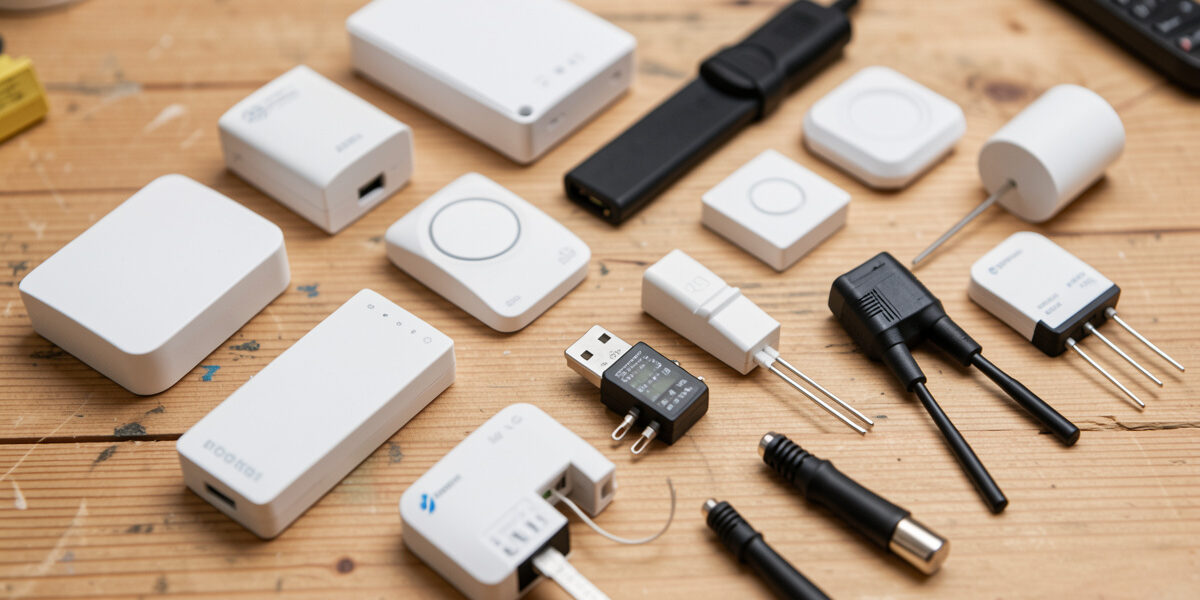
For coop sensors at distance from the house, Zigbee wins: it is low-power, it mesh-repeats through mains devices, and a battery door contact runs a year or more on a coin cell. Z-Wave trades a thinner device catalog for longer range per hop and a less crowded radio band, while Wi-Fi is the easiest to buy and the first to disappoint — it drains batteries, congests your router, and drops at the run edge where the signal is weakest. A good coop runs a mix, chosen per device by power source and distance.
I have run all three in and around my coop, and the failures taught me more than the spec sheets. The run is a hostile radio environment — metal mesh, distance, moisture, big temperature swings — and a protocol that is fine in a living room can quietly die at the wire. This is which protocol I use for which job, and why. For how these sensors plug into the wider system, see the Home Assistant coop automation hub.
The Coop Is a Hard Place for Radio
Three things make a coop harder than a house for wireless sensors. First, distance: the coop is usually across the yard from where Home Assistant and your router live. Second, the run itself — welded mesh and hardware cloth are metal, and metal attenuates 2.4 GHz signals badly, so a sensor a few meters past the run can read fine on a bench and drop once it is mounted. Third, weather: cold flattens battery voltage and moisture gets into cheap enclosures.
This is why “it worked indoors” is not a test. The protocol question is really a reliability-at-distance-in-the-cold question, and that reframing is what pushes me toward mesh networks and away from chatty Wi-Fi for anything battery-powered. The same logic shapes how I run the coop’s Wi-Fi for the cameras that genuinely need it.
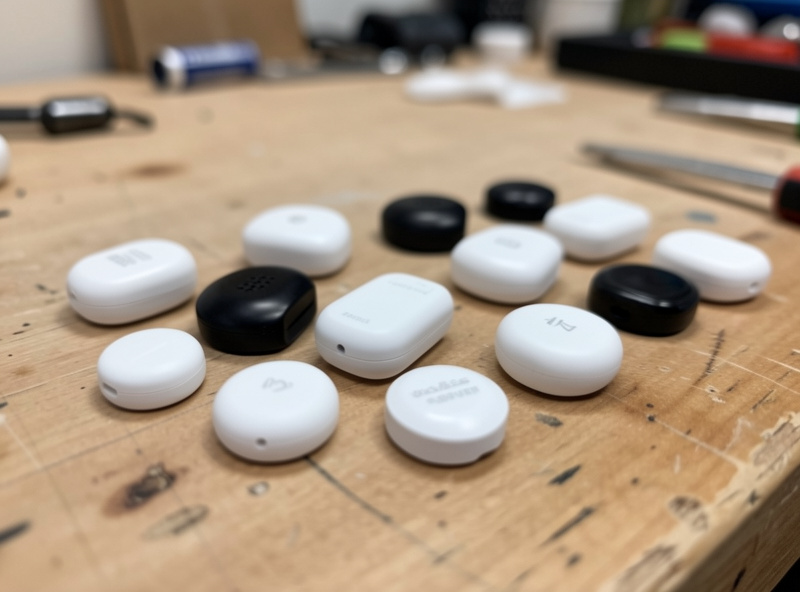
Zigbee: My Default for Battery Sensors at Distance
Zigbee is what I reach for first for door contacts, temperature/humidity sensors, and motion sensors out at the coop. Three reasons. It is genuinely low-power, so a coin-cell door contact runs a year or more before I think about it. It forms a mesh: every mains-powered Zigbee device (a smart plug, a repeater) relays for the battery ones, so I can extend coverage across the yard by dropping a powered Zigbee plug halfway to the coop. And it runs through a local coordinator — a small USB stick on the Home Assistant box — so nothing touches the cloud and nothing congests my Wi-Fi router.
The one honest caveat: Zigbee shares the 2.4 GHz band with Wi-Fi, so a badly chosen Zigbee channel can clash with a busy Wi-Fi channel. The fix is to set the Zigbee channel away from your main Wi-Fi channel once, and then it is solved forever. With that done, Zigbee has been the quiet workhorse of my coop — the sensors I genuinely forget about because they just keep reporting.
Z-Wave: Longer Reach, Quieter Band, Thinner Catalog
Z-Wave’s appeal for a coop is the radio band. It runs on a sub-GHz frequency (around 868 MHz in Europe, 908 MHz in North America) that is far less crowded than the 2.4 GHz that Wi-Fi, Zigbee, Bluetooth, and your microwave all share. Lower frequency also means better range per hop and better penetration through obstacles, which can matter when the coop is a long way out. Z-Wave meshes too, through its mains-powered devices.
The trade-offs are real, though. The device catalog is thinner and the gear costs more than the equivalent Zigbee part, and there is no flood of cheap sensors the way there is for Zigbee. I use Z-Wave selectively — where I want maximum range to a far structure or where I already have a Z-Wave mesh in the house to extend — rather than as my default. For most keepers, Zigbee covers the same jobs for less money.
Wi-Fi: Right for Cameras, Wrong for Battery Sensors
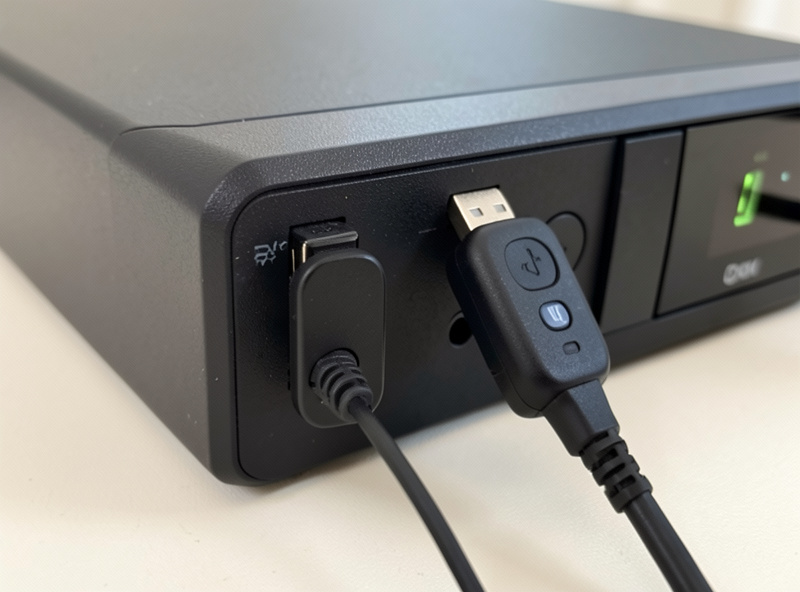
Wi-Fi is the easiest to buy — the shelves are full of cheap Wi-Fi sensors — and that is exactly the trap. A Wi-Fi sensor maintains a power-hungry connection, so battery versions die fast; many also depend on a manufacturer’s cloud, so they stop working in an outage; and a yard full of them adds chatty clients to a router that is already stretched reaching the coop. At the run edge, where the signal is weakest, the cheap Wi-Fi sensors are the first to drop.
Where Wi-Fi genuinely belongs is the camera, which needs the bandwidth a mesh sensor protocol can’t carry, and continuously-powered DIY nodes. My ESPHome sensors run over Wi-Fi precisely because they are mains-powered and local — no battery to drain, no cloud to depend on. That is Wi-Fi used to its strength: high-bandwidth or always-powered local devices, not battery sensors at distance. Even then, I want a camera on a wired PoE connection where I can; the case for that is in camera network setup.
Head to Head
Here is how the three compare on the things that actually decide a coop install. “Best for” is the column to read first — match the protocol to the job, not the job to one protocol.
| Factor | Zigbee | Z-Wave | Wi-Fi |
|---|---|---|---|
| Radio band | 2.4 GHz (shared) | Sub-GHz (less crowded) | 2.4/5 GHz (crowded) |
| Battery life | Excellent (a year+) | Excellent | Poor (weeks to months) |
| Mesh networking | Yes (via mains devices) | Yes (via mains devices) | No |
| Range per hop | Moderate | Longer | Short at run edge |
| Local / cloud-free | Yes (local coordinator) | Yes (local controller) | Often cloud-dependent |
| Device cost | Low | Higher | Low |
| Best for | Battery sensors at distance | Max range to a far coop | Cameras, powered ESPHome nodes |
The Mix I Actually Run
My coop is not one protocol — it is the right one per device. Door contact and temperature/humidity sensors are Zigbee, meshed through a powered Zigbee plug between the house and the coop. The camera is on Wi-Fi (and ideally PoE where I can run the cable). My DIY temperature node is an ESPHome board on Wi-Fi because it is mains-powered and local. I keep a Z-Wave option in reserve for the one far sensor where Zigbee range gets marginal.
If you take one rule from this: choose the protocol by the device’s power source and distance, not by brand or by what is cheapest on the shelf. Battery and far means Zigbee. Far and Zigbee won’t reach means consider Z-Wave. Powered and high-bandwidth, or a DIY node, means Wi-Fi. Get that matching right and your sensors disappear into the background, which is exactly what you want from a coop that runs itself. From here, the DIY route is in ESPHome coop sensors, and keeping it all cloud-free is in local-only coop automation.
Frequently Asked Questions
Is Zigbee or Z-Wave better for chicken coop sensors?
For most keepers Zigbee is better: it is low-power, cheaper, has a huge device catalog, and meshes through mains-powered plugs. Z-Wave wins only when you need maximum range to a far coop, thanks to its less crowded sub-GHz band and longer reach per hop, but its devices cost more and the catalog is thinner.
Why not just use Wi-Fi sensors for the coop?
Wi-Fi sensors drain batteries fast, often depend on a manufacturer’s cloud, add chatty clients to a router already stretched reaching the coop, and drop at the run edge where signal is weakest. Wi-Fi belongs on cameras and continuously-powered DIY nodes, not on battery sensors out at distance.
How far can a Zigbee sensor be from the house?
It depends on obstacles, but Zigbee meshes, so you extend range by placing mains-powered Zigbee devices like smart plugs between the house and coop. Each powered device relays for the battery ones. With a repeater halfway, a coop across a typical yard is well within reach.
Does Zigbee interfere with my home Wi-Fi?
It can, because Zigbee shares the 2.4 GHz band with Wi-Fi. The fix is a one-time setting: choose a Zigbee channel that sits away from your main Wi-Fi channel. Once set, the two coexist fine. Z-Wave avoids this entirely by running on a separate sub-GHz band.
Do these protocols work without internet?
Zigbee and Z-Wave are local by design, running through a coordinator or controller on your Home Assistant box with no cloud, so they keep working in an outage. Many Wi-Fi sensors depend on a manufacturer’s cloud and stop working when the internet drops, which is a serious problem for coop safety devices.
Do I need a separate hub or coordinator for Zigbee and Z-Wave?
Yes. Zigbee needs a coordinator, usually a small USB stick on your Home Assistant box, and Z-Wave needs its own controller stick. Each is a one-time purchase that keeps the network local and off your Wi-Fi router. Wi-Fi devices need no extra hub but often rely on a cloud account instead.
Related Guides
Related Guides
Water-Level and Flow Sensors: Knowing the Waterer Is Empty Before They Do
A coop water-level sensor tells you the drinker is going dry — or freezing solid — before the flock does,…
Ammonia Sensors for the Coop: Catching Air Problems Before You Smell Them
An ammonia sensor belongs at the birds’ breathing height, close to the litter where the gas is generated, because that…

Node-RED vs Home Assistant Automations for the Coop: When to Use Which
Use native Home Assistant automations for the coop’s simple, safety-critical rules — the sunrise door, the freeze-watch waterer — and…