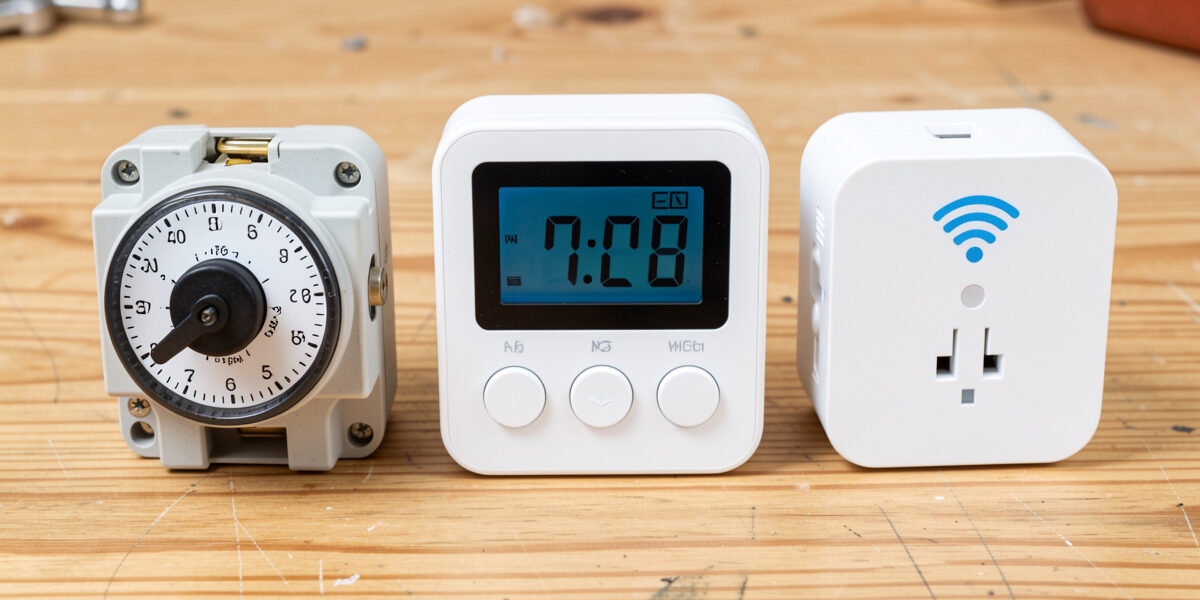
The best coop light timer is the one that fires reliably at 04:30 in a freezing, unattended coop and survives a power cut without you noticing. For most keepers that is a digital timer with battery backup; for an automated coop it is an astro schedule through a smart hub. A cheap mechanical dial works but drifts and forgets its time after every outage — and an outage you do not catch means a week of lost eggs before you spot the problem.
I have run all four types on my own coop in Sweden, where the light has to do most of the winter’s work. The switch matters as much as the bulb, because a light that does not come on is no light at all. Here is how mechanical, digital, smart-plug, and astro timers actually compare where it counts: holding time, surviving cold and outages, and tracking the sunrise that drifts a little every day.
The Four Types, and What Each Gets Wrong
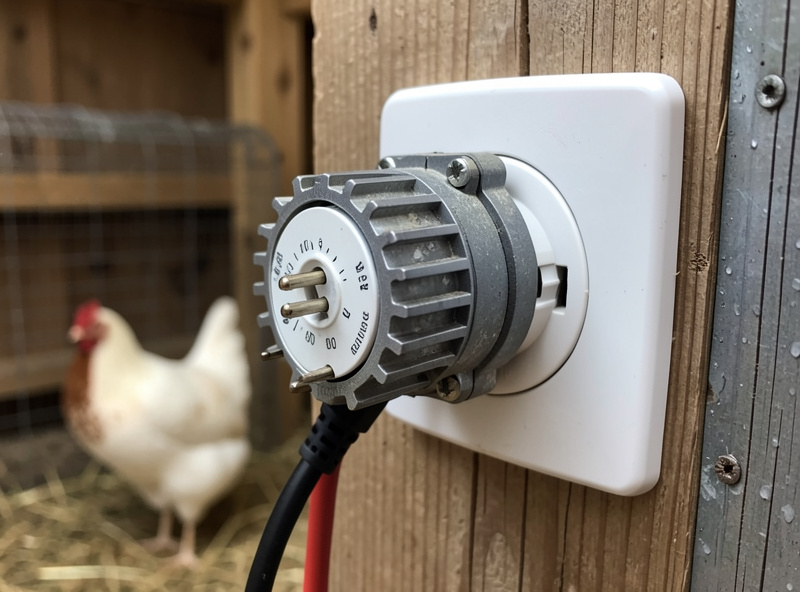
A mechanical dial timer uses pins around a rotating clock face. It is the cheapest option and dead simple, but it keeps time only while powered — a power cut stops the dial, and when power returns the timer is off by however long the outage lasted. It also has no way to follow a shifting sunrise; you reset it by hand. A digital timer holds time through outages on a small backup battery, does several on/off windows, and is far more precise, though it still needs manual adjustment as the season moves.
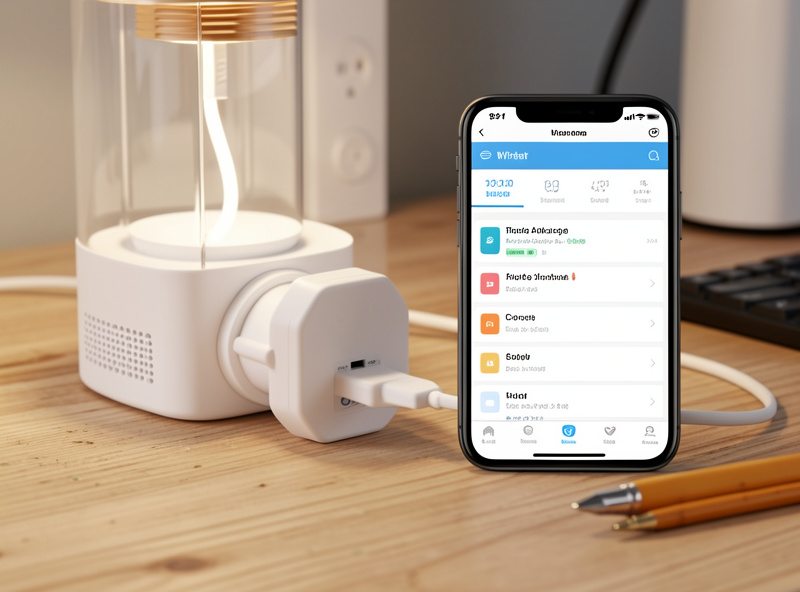
A smart plug adds app control, schedules, and often a built-in astro feature that can move the on-time with sunrise — but it depends on Wi-Fi reaching a cold outbuilding and on the cloud or hub staying up. A full astro schedule through Home Assistant is what I run: it calculates “X hours before sunrise” every day automatically and re-syncs after any outage. It is the most reliable and the most flexible, at the cost of needing a hub to run it.
Timer Types Compared
| Type | Keeps time in outage | Tracks sunrise | Cold tolerance | Best for |
|---|---|---|---|---|
| Mechanical dial | No – resets | No – manual | Good (no electronics to fail) | Cheapest, simplest coops |
| Digital timer | Yes (battery) | No – manual | Good if rated outdoor | Set-and-forget fixed window |
| Smart plug | Yes (re-syncs) | Some (astro mode) | Needs reliable Wi-Fi | Wi-Fi coops, app control |
| Home Assistant astro | Yes (re-syncs) | Yes – automatic | Hub indoors, plug outdoors | Integrated automated coops |
Why Cold and Power Cuts Decide It
In a mild climate any of these is fine. In a hard winter, two failure modes do the choosing. The first is the power cut. A mechanical dial that loses two hours in an outage now fires two hours late every day until you reset it — and in midwinter that can mean the light comes on after the natural day has already started, doing nothing. A digital or smart timer rides through the same outage and resumes on schedule. That single difference is why I will not put a bare mechanical dial on the core laying light.
The second is reach and cold. A smart plug is only as good as the Wi-Fi signal in your coop, which is often a detached, metal-clad building at the edge of the network. The cheap Wi-Fi gear that drops offline at the run edge is the same cautionary tale I keep running into with coop cameras. If your signal is marginal, a local digital timer beats a smart plug that keeps falling off the network, and a hub that runs the schedule locally — not via the cloud — beats both. I cover keeping automation working when the internet is down in local-only coop automation.
The Sunrise-Drift Problem
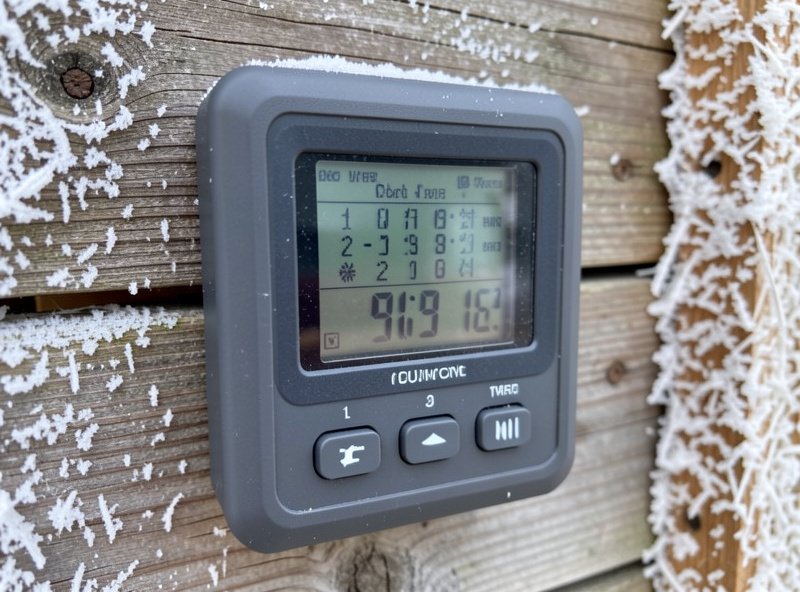
Whatever you use, remember that the right on-time is not fixed. Because you extend the morning to hit a target day length — the logic explained in how many hours of light laying hens need — and because sunrise shifts by a minute or two daily, a static start time slowly falls out of step. The target day length itself, and why morning extension is the standard way to hit it, is laid out in Michigan State University Extension’s guidance on managing light for backyard flocks. With a mechanical or digital timer you simply walk the start time back every couple of weeks. It is a two-minute job, but it is a job you have to remember.
An astro schedule removes that chore entirely. Mine runs the light as a sunrise offset, the same way it runs my pop door, so the light always comes on the right number of hours before dawn no matter the date — the setup is in the sunrise/sunset offset I actually run. If you are weighing whether to build automation logic in Home Assistant or a tool like Node-RED, I compare them in Node-RED vs Home Assistant for the coop.
What I Actually Recommend
If you want one buy-and-forget answer with no smart-home setup, get a weatherproof outdoor digital outlet timer with battery backup and reset the start time every two or three weeks through the season. It survives outages, it is precise, and it costs little. As an Amazon Associate I earn from qualifying purchases. If you already have decent Wi-Fi at the coop and want app control, a outdoor smart plug with an astro timer mode adds sunrise tracking without a full hub.
If you are already automating the coop — door, sensors, cameras — put the light on the same hub and run it on an astro schedule. That is the genuinely set-once option, and it ties into freeze-watch on the waterer and the rest of the system I describe in the complete Home Assistant coop guide. Skip the bare mechanical dial for the laying light; save it for a non-critical job where a missed cycle does not cost you eggs.
Frequently Asked Questions
What is the best timer for a coop light?
A weatherproof digital timer with battery backup for most keepers, or an astro schedule through a smart hub for an automated coop. Both survive power cuts. Avoid a bare mechanical dial on the core laying light because it resets after outages.
Do I need a smart timer for coop lighting?
No. A digital timer with battery backup works well if you reset the start time every couple of weeks as sunrise drifts. A smart timer or astro schedule only adds automatic sunrise tracking and app control, which is convenience, not a requirement.
Why not just use a cheap mechanical timer?
A mechanical dial keeps time only while powered, so a winter power cut leaves it firing late every day until you reset it. In midwinter that can mean the light comes on after the short natural day has already started, doing nothing for laying.
Will a smart plug work in a cold coop?
It can, but it depends on reliable Wi-Fi reaching the coop, which is often a detached building at the edge of the network. If the signal is marginal the plug drops offline. A local digital timer or a hub running the schedule locally is more dependable.
What is an astro timer?
An astro timer calculates the on-time relative to local sunrise or sunset rather than a fixed clock, so it moves automatically as day length changes through the season. It removes the need to manually adjust a coop light’s start time every couple of weeks.
Does the timer need to survive a power cut?
Yes, this is the single most important feature in winter. A timer that loses time in an outage fires late afterward and can silently cost a week of eggs before you notice. Battery backup or automatic re-sync after power returns is essential.
Related Guides
- Chicken Coop Lighting for Egg Laying: The Winter Guide
- How Many Hours of Light Do Laying Hens Need?
- Gentle Dawn Dimmer for the Coop
- The Home Assistant Sunrise/Sunset Offset I Run
- Home Assistant Chicken Coop Automation: Complete Guide
Related Guides
Water-Level and Flow Sensors: Knowing the Waterer Is Empty Before They Do
A coop water-level sensor tells you the drinker is going dry — or freezing solid — before the flock does,…
Ammonia Sensors for the Coop: Catching Air Problems Before You Smell Them
An ammonia sensor belongs at the birds’ breathing height, close to the litter where the gas is generated, because that…
Node-RED vs Home Assistant Automations for the Coop: When to Use Which
Use native Home Assistant automations for the coop’s simple, safety-critical rules — the sunrise door, the freeze-watch waterer — and…