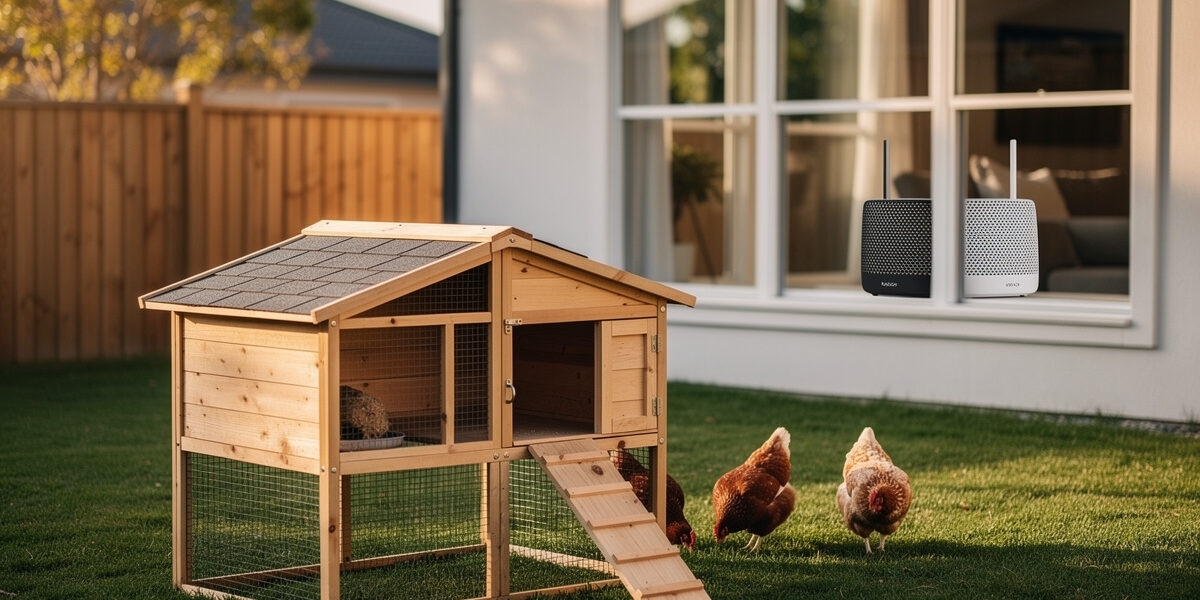
Reliable chicken coop WiFi needs three things: a router or mesh node within 80 feet of the coop with no walls in between, a 2.4 GHz signal at -65 dBm or better at the coop interior, and a cellular backup plan for when the home internet drops. Most coop WiFi failures trace to thin signal, not equipment problems — the fix is almost always a mesh node closer to the coop, not a more expensive camera.
This guide walks through real signal-strength targets, mesh node placement, cellular backup options, and the smart-home protocols that actually work outdoors. My own coop runs PoE cameras into a Home Assistant NVR plus a Zigbee sensor mesh, and the single biggest lesson from wiring that up is the one this whole guide is built around: coop WiFi problems are almost always a signal-strength problem hiding behind a “bad camera” or “bad app” complaint. For the bigger automation context, see our complete smart chicken coop guide.
Why Coop WiFi Is Different from House WiFi
A chicken coop is a hostile environment for wireless signal. Three factors compound:
- Outdoor distance. Most coops sit 30–120 feet from the house router, often with exterior walls, trees, or a fence in between.
- Interference from coop materials. Hardware cloth (1/4″ or 1/2″) acts as a partial Faraday cage on 2.4 GHz signals — real-world Faraday-cage builds using hardware-store mesh confirm that mesh openings well under the ~12 cm 2.4 GHz wavelength meaningfully attenuate signal, and the welded ½-inch hardware cloth on my own run does exactly that to a phone held right up against it. Metal roofs and reflective insulation make it worse.
- Always-on devices. A camera streams 24/7. A sensor checks in every 30–60 seconds. Marginal signal that works for occasional phone use will drop these devices repeatedly.
The combination means the WiFi setup that works fine for your phone in the backyard often fails for a smart coop. You need stronger signal AND devices that handle marginal signal gracefully.
Signal Strength Targets
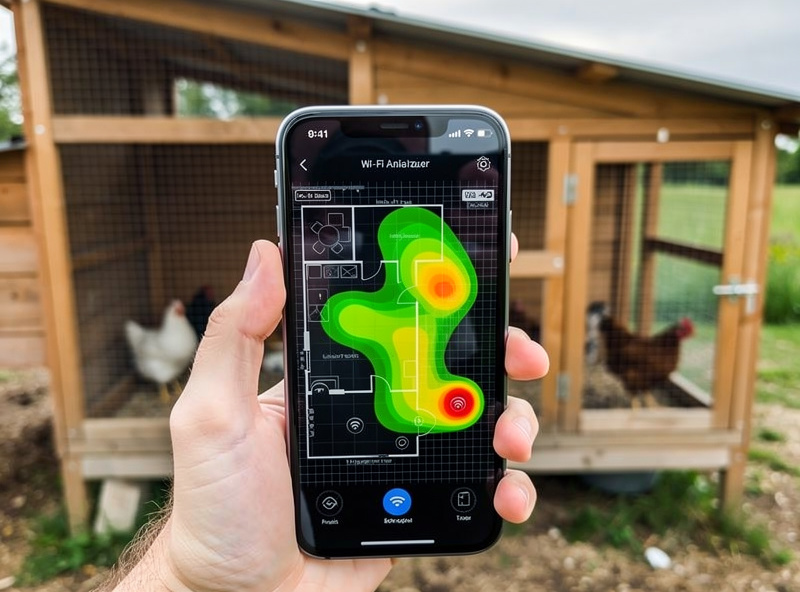
Use a free WiFi analyzer app on your phone to measure signal at the coop interior in dBm:
| Signal (dBm) | What It Supports | Verdict |
|---|---|---|
| -50 to -60 | 4K cameras, multiple devices, no issues | Excellent |
| -60 to -70 | 1080p cameras, sensors, occasional dropouts | Good (target this) |
| -70 to -80 | Sensors only, frequent camera dropouts | Marginal |
| -80 or worse | Devices disconnect repeatedly | Fail — fix it |
The realistic target is -65 dBm or better at the worst spot inside the coop (usually a far corner with the most material between it and the access point), which lines up with standard WiFi signal-strength engineering guidance on what “good” versus “unusable” actually means in dBm. Anything weaker means a 1080p WiFi camera will repeatedly disconnect, eating crawl-space time you do not have to debug.
Three Approaches That Actually Work
1. Mesh Node in a Window or Garage
The cheapest fix for most homes: place a mesh node from a kit like Eero, Google Nest WiFi, or TP-Link Deco within line-of-sight of the coop. A 6E or WiFi 7 mesh node in a window facing the coop typically reaches 60–100 feet through a single wall to the coop interior at -60 to -65 dBm.
Cost: $0 if you already have mesh, $80–$150 for an additional node, $180–$280 for a starter 2-pack if you have not gone mesh yet. This solves 70–80% of coop WiFi problems.
2. Outdoor Mesh Node or Bridge
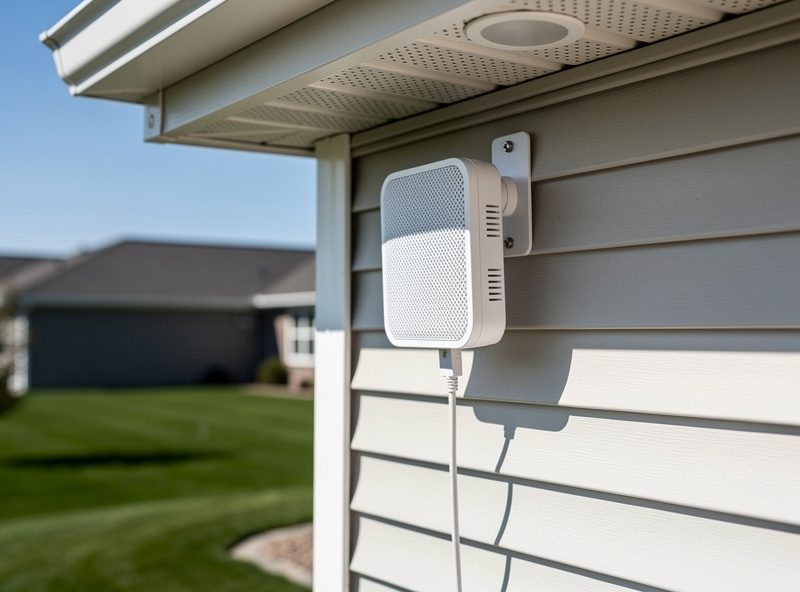
For coops more than 80 feet from the house or with multiple walls in between, an outdoor-rated mesh node mounted on the house exterior (under an eave) or on a pole between house and coop solves it. Options:
- Eero Outdoor 7 — $399, weatherproof, integrates with existing Eero networks. Realistic 100–150 ft range to the coop.
- TP-Link Deco X50-Outdoor — around $150 for a single unit, simpler setup, similar range.
- Ubiquiti UniFi U6 Mesh / U7 Outdoor — $179–$329, requires a UniFi controller, best signal for power users.
Outdoor mesh nodes need PoE (power over ethernet) or a weatherproof outlet. Plan the cabling during initial wiring (covered in our smart chicken coop wiring guide) — running ethernet later is a trench day.
3. Wired Access Point Inside the Coop
For coops 100+ feet out or behind heavy obstructions, run buried CAT6 ethernet to a small access point inside the coop itself. This is the most reliable approach but requires the most effort:
- Outdoor-rated CAT6 cable — $0.45–$0.80/foot, in conduit alongside power.
- Surge protector at both ends — $20 each, mandatory for buried runs.
- Indoor access point — TP-Link EAP610 or Ubiquiti U6+ at $90–$150.
Total cost: $250–$400 plus trenching. The upside is bulletproof signal — typically -45 to -55 dBm at every spot in the coop, supporting 4K cameras and any future expansion.
Cellular Backup for the Coop
When the home internet drops, every WiFi-based smart coop device drops with it. Three tiers of cellular backup, depending on how much you care:
| Tier | Setup | Cost | Best For |
|---|---|---|---|
| None | Accept periodic outages | $0 | Most backyard keepers |
| Auto door batteries + manual override | Door has its own battery + standalone timer or light sensor; phone alerts via cellular | $0–$30 | Modest setups, owner home most days |
| Cellular hotspot for the coop network | Mint Mobile or US Mobile hotspot data plan + 4G/LTE router | $8–$15/month + $90–$200 hardware | Vacation homes, off-property coops |
| Dual-WAN router with auto-failover | Home router with cellular failover SIM, switches automatically | $20–$30/month + $200–$400 hardware | Critical setups, multi-day absences |
For most setups, the middle tier is the right balance. A Verizon or T-Mobile data-only SIM in a $90 4G/LTE router gives the coop its own internet for $8–$15/month, completely independent of the house. The mesh node covering the coop connects to this router instead of (or in addition to) the home network.
WiFi vs Other Smart-Home Protocols
Not every coop device needs WiFi. The four protocols you will see:
| Protocol | Range | Power Use | Best For |
|---|---|---|---|
| WiFi 2.4 GHz | 50–150 ft outdoor | High (camera 3–5W) | Cameras, video doorbells, anything streaming |
| Zigbee | 30–60 ft hop, mesh extends | Very low (button cells last 1–2 yrs) | Sensors, door/window contacts, climate |
| Z-Wave | 40–80 ft hop, mesh extends | Very low | Sensors, locks, alarm-style devices |
| LoRaWAN | 1,000+ ft (line of sight) | Extremely low (5+ yrs on battery) | Remote farm coops, no WiFi available |
For a typical backyard coop, the right mix is WiFi for cameras and the auto-door controller plus Zigbee for sensors. A Zigbee hub like the SmartThings Hub or a Home Assistant Zigbee dongle inside the house picks up battery-powered temperature, humidity, and door sensors at the coop with no WiFi signal needed at the sensor itself — this is exactly the split I run, and the Zigbee side has never once been the thing that needed troubleshooting; every real headache in my own setup has come from the WiFi side.
Antenna Placement Inside the Coop
Where you mount the access point or camera matters as much as the equipment:
- Mount AP/router 6+ feet up. Signal propagates better from height. Floor-level placement loses 10–15 dB to wood structure absorption.
- Avoid metal surfaces. A camera or AP within 6″ of a metal roof, hardware cloth, or aluminum venting loses major signal. Move at least 12″ away.
- Orient external antennas vertically. Most home routers have omnidirectional vertical antennas. Lay them flat and you cut horizontal range in half.
- Keep cameras and APs at least 3 ft apart. A camera mounted directly on top of an AP creates RF interference that hurts both.
Common WiFi Problems and Fixes
Five issues cover 90% of coop WiFi support requests:
- Camera says “offline” intermittently. Almost always a signal-strength issue. Measure dBm at the camera location. If worse than -70 dBm, add a mesh node — I chased a “bad camera” for two weeks before I finally measured signal and found the real problem was the run’s own hardware cloth sitting between the camera and the house.
- Camera connects to 2.4 GHz but blocks the app. Most cheap WiFi cameras only support 2.4 GHz. Some routers default the same SSID to 5 GHz. Set up a separate 2.4 GHz-only SSID for IoT devices.
- Sensor batteries die in a month. Sensors at the edge of WiFi range constantly retry their connection, draining batteries fast. Move them closer or switch to Zigbee.
- Cold-weather signal collapse. Some plastic/silicone-cased devices stiffen below 0°F and lose signal. Look for outdoor-rated or industrial-rated devices in cold climates.
- Mesh node “connected” but slow. Backhaul is bottlenecked. Verify the node has direct wireless line of sight to its parent. Wired backhaul (ethernet) solves it permanently.
What to Buy by Setup Tier
| Setup | Distance | Recommended | Cost |
|---|---|---|---|
| Coop close to house | Under 40 ft, 1 wall | Existing home router or current mesh | $0 |
| Standard backyard | 40–80 ft | Add a single mesh node in window facing coop | $80–$150 |
| Far backyard | 80–150 ft | Outdoor mesh node on house exterior | $200–$400 |
| Very far / multi-wall | 150+ ft | Buried CAT6 + indoor AP | $300–$500 |
| Off-property / no home WiFi | Any | Cellular hotspot router + AP | $200–$350 + $10–$15/mo |
For most backyard keepers, a single $100 mesh node in the window facing the coop solves the problem. It is the cheapest and fastest fix and works for 70–80% of setups.
Pulling It All Together
The smart coop network most readers should build:
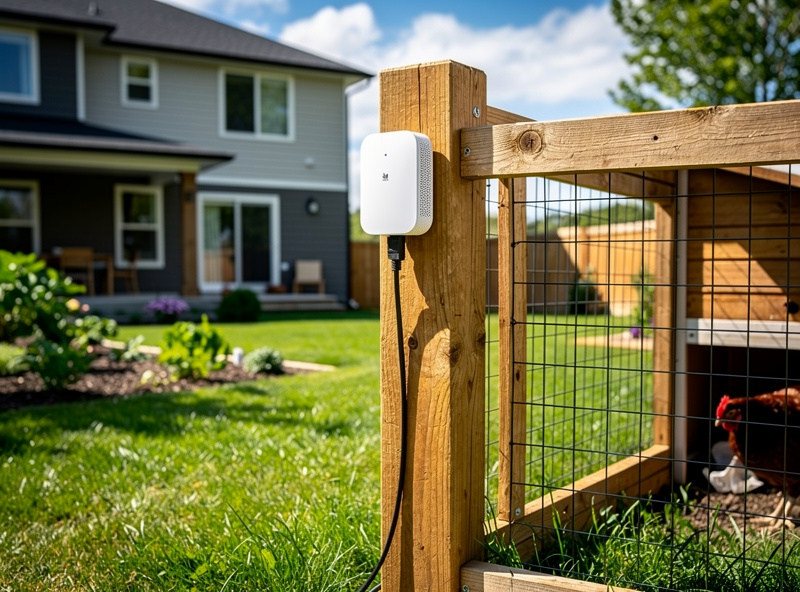
- Mesh node in window facing coop — covers WiFi for camera and door controller.
- Zigbee hub at the house — picks up battery-powered sensors at the coop with no WiFi load.
- Cellular hotspot (optional) — for vacation homes or critical setups.
- Wired ethernet for new builds — even if you do not need it now, conduit and CAT6 in the trench during initial wiring (see our wiring guide) gives bulletproof future-proofing.
This stack runs $150–$400 in hardware, supports any reasonable smart coop device load, and stays reliable for 5+ years without significant maintenance. Devices that benefit most from this setup are listed in our smart chicken coop devices guide.
Frequently Asked Questions
How far can WiFi reach a chicken coop?
A standard home router reliably reaches 40–80 feet outdoors with one wall in between. Beyond that, signal drops below -70 dBm and smart coop cameras start disconnecting. Mesh nodes or outdoor access points extend reliable range to 100–200 feet.
What signal strength does a chicken coop camera need?
Aim for -65 dBm or better at the camera mounting location. WiFi cameras tolerate -70 dBm with occasional buffering, but anything weaker causes repeated disconnects. Use a free WiFi analyzer app on your phone to measure signal at the coop interior.
Can I use a WiFi extender for my chicken coop?
Single-radio extenders cut speed in half and add latency. They work for one camera but struggle with multiple devices. A mesh node with dedicated backhaul costs $20–$80 more and delivers 3–5x better real-world performance for the same coverage.
Do I need cellular backup for a smart chicken coop?
For most backyard keepers, no. The auto door has its own battery, sensors keep working, and you accept brief outages. Cellular backup matters most for vacation homes, off-property coops, or anyone who needs guaranteed alerts during home internet outages.
Should chicken coop sensors use WiFi or Zigbee?
Zigbee for battery-powered sensors, WiFi for cameras and the auto-door controller. Zigbee sensors run 1–2 years on coin cells, work at the edge of range without battery drain, and do not load the WiFi network. WiFi is the right choice only for streaming devices.
Why does my chicken coop camera keep going offline?
In 90% of cases it is signal strength below -70 dBm at the camera. Hardware cloth on coop walls acts as a Faraday cage that blocks 2.4 GHz signal. Add a mesh node within 80 feet of the coop with line of sight, and the problem usually disappears.
Related Articles
Related Guides
Water-Level and Flow Sensors: Knowing the Waterer Is Empty Before They Do
A coop water-level sensor tells you the drinker is going dry — or freezing solid — before the flock does,…
Ammonia Sensors for the Coop: Catching Air Problems Before You Smell Them
An ammonia sensor belongs at the birds’ breathing height, close to the litter where the gas is generated, because that…

Node-RED vs Home Assistant Automations for the Coop: When to Use Which
Use native Home Assistant automations for the coop’s simple, safety-critical rules — the sunrise door, the freeze-watch waterer — and…