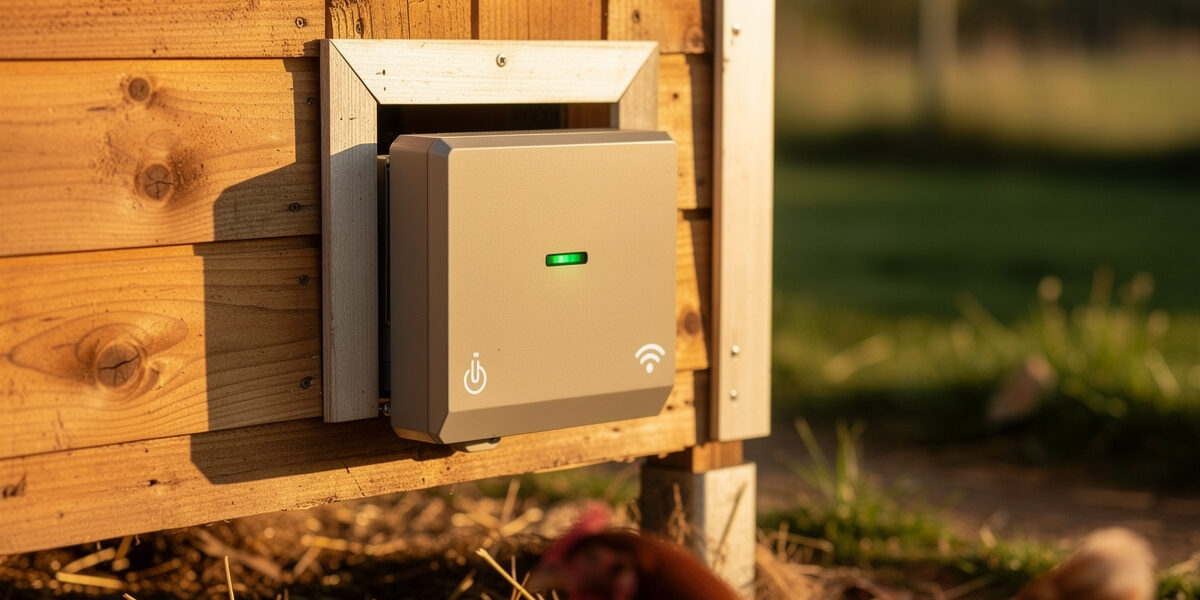
Wiring a coop door into Home Assistant — with Alexa and Google Home as the simpler on-ramps — turns the morning chicken routine from a manual chore into a sunrise-anchored automation that adjusts seasonally without you touching the schedule. The catch: most automatic coop doors do not speak smart-home protocols natively. The solution is a layered approach — a smart relay or smart plug between the door controller and 12V power, then the actual automation logic and YAML built on top.
This guide breaks down the three viable architectures (relay-controlled, MQTT-native, and Wi-Fi smart plug retrofit), shows the actual Home Assistant YAML and Alexa routine syntax that work in production, and covers the seasonal sunrise-offset logic that solves the late-October sunrise drift problem nobody warns you about.
Why Schedule the Door Through a Voice Ecosystem at All
Most automatic coop doors ship with a built-in light sensor or astronomical timer. Those work — but they fail in three predictable ways: cloudy mornings open doors to predator-active twilight, daylight saving transitions confuse sensor-based units for two weeks, and you cannot trigger the door manually from inside the house without walking out to it. A smart-home schedule fixes all three.
The benefit beyond reliability is integration. When your coop door is part of the same home-automation graph as your security cameras, motion sensors, and smart lights, you can build flock-protective routines: door opens 15 minutes after sunrise AND only if the security camera sees no predator activity in the last 5 minutes. That is impossible with a standalone light-sensor door — it’s the exact reason I moved my own door off its onboard timer and onto a sunrise/sunset offset run through Home Assistant years ago and never looked back.
Three Architectures That Work
The right architecture depends on your existing smart-home stack and how willing you are to splice 12V power. From simplest to most powerful:
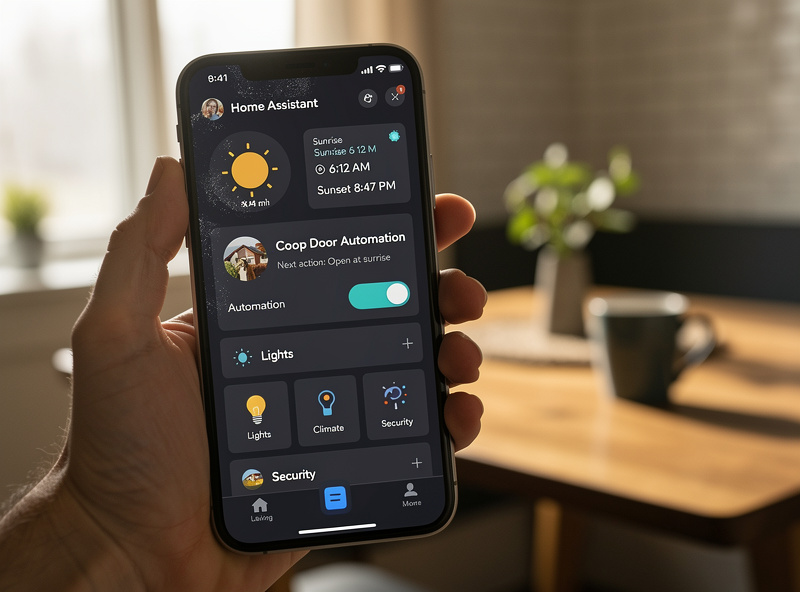
Architecture 1: Wi-Fi smart plug between AC adapter and door. If your automatic coop door uses a 12V wall adapter, plug a Wi-Fi smart plug between the wall outlet and the adapter. The smart plug becomes the on/off control surface. Most door units interpret "power up" as "run normal cycle" — they open at dawn and close at dusk based on internal logic, but you control whether the unit is even powered. This is the laziest architecture; works for the Run Chicken, ChickenGuard, and Vevor doors with adapters.
Architecture 2: Smart relay across the door motor leads. If you can splice the 12V motor leads, a Shelly 1 or Sonoff Mini relay across the up/down terminals exposes the door as a true on/off switch. Pulse the relay to trigger door movement. This requires bypassing the door controller's internal scheduler — most doors have a manual override input that accepts a momentary contact closure. This is the architecture I run on my own coop, and it’s what I’d point most Home Assistant power users toward because it gives full programmatic control instead of just toggling power.
Architecture 3: MQTT-native door (rare). True MQTT-native coop doors are still uncommon in this price category — most of what you’ll find is DIY builds (ESP8266/ESP32 controllers running an open-source MQTT door firmware) rather than an off-the-shelf commercial unit. If you’re comfortable building rather than buying, this is the cleanest integration: no splicing, no relay, the device just shows up as a switch entity once the broker IP is set. For a commercial door, Architecture 1 or 2 above is the realistic path with the doors I’ve actually run — Run-Chicken, ChickenGuard, and Omlet all ship as smart-plug or relay-retrofit candidates, not MQTT-native.
Setting Up the Schedule in Each Ecosystem
The schedule logic is the same regardless of platform: door opens at sunrise plus an offset (typically +15 minutes to ensure full daylight), door closes at sunset plus an offset (typically -10 minutes so hens are inside before twilight predators are active). Implementation differs significantly by platform.
Alexa Routines
- In the Alexa app, go to More → Routines → Create Routine.
- Trigger: When something happens → Schedule → Sunrise → +15 minutes.
- Action: Smart Home → [your coop door smart plug or switch] → On.
- Save the routine.
- Create a second routine for sunset -10 minutes → Off.
Alexa routines handle daylight saving automatically because they reference astronomical sunrise/sunset, not clock time. The 15-minute offset is enough to ensure the run is fully lit even on overcast mornings. If you live above 50 degrees latitude, increase the morning offset to +25 minutes from October through February — civil twilight is longer there than the Alexa default offset assumes.
Google Home Routines
Google Home calls these "Household routines":
- Open Google Home app → Routines → New routine.
- Starter: At sunrise → adjust offset to +15 minutes.
- Action: Adjust device → [coop door smart plug] → Turn on.
- Save.
- Create the matching sunset routine for closure.
Google's sunrise/sunset uses your Home address coordinates — verify the address in Settings if the timing seems off. Google routines do NOT support conditional logic natively (no "if" statements), so "only open if camera sees no movement" requires routing through a third-party app or Home Assistant.
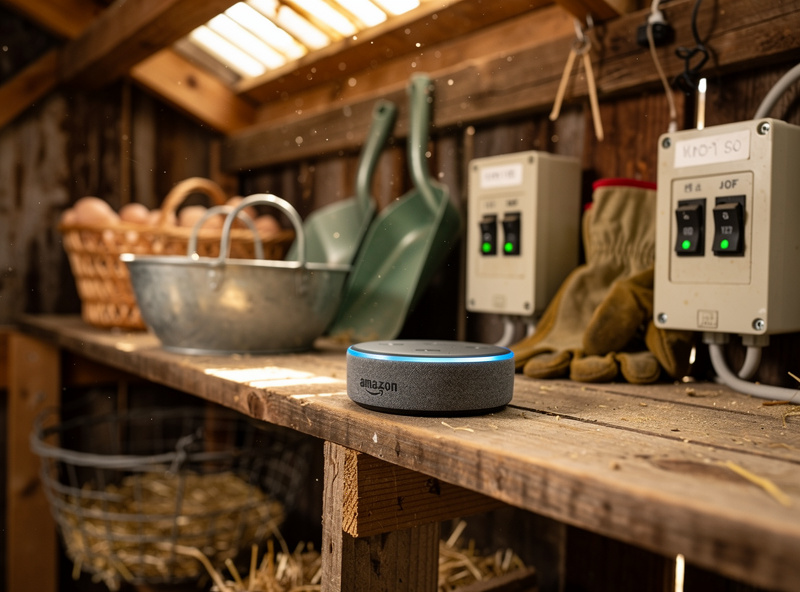
Home Assistant (the most powerful option)
Home Assistant exposes the full automation engine, which is why power users prefer it. The basic automation, with seasonal offsets and a camera condition, looks like this in YAML:
automation:
  - alias: "Coop door open at sunrise"
    trigger:
      - platform: sun
        event: sunrise
        offset: "+00:15:00"
    condition:
      - condition: numeric_state
        entity_id: sensor.coop_camera_motion_count_5min
        below: 1
    action:
      - service: switch.turn_on
        target:
          entity_id: switch.coop_door

  - alias: "Coop door close at sunset"
    trigger:
      - platform: sun
        event: sunset
        offset: "-00:10:00"
    action:
      - service: switch.turn_off
        target:
          entity_id: switch.coop_door
The condition block is what separates Home Assistant from voice-platform routines. The example above only opens the door if the coop camera has counted fewer than 1 motion event in the last 5 minutes — a basic predator-detection guardrail. Add a temperature condition for cold-weather hold-back, a notification on close, or a manual override switch with a 1-hour timer for free-range days.
The deeper context for how these voice and protocol layers actually fit together — Matter, Thread, Wi-Fi, Zigbee, Z-Wave, and where each one shines for outdoor or remote devices — lives in my complete voice assistants and smart home protocols guide on HomeAutoCentral, which runs the same Home Assistant brain as this coop. That guide walks through device compatibility, mesh range, and the trade-offs that actually matter when you’re putting a smart device 80 feet from your router in a metal-roofed coop — it’s where to start if you’re deciding between Alexa, Google, and Home Assistant in the first place.
Comparing the Three Platforms for Coop Use
| Feature | Alexa | Google Home | Home Assistant |
|---|---|---|---|
| Sunrise/sunset triggers | Yes | Yes | Yes (precise) |
| Daylight saving handling | Automatic | Automatic | Automatic |
| Conditional logic (if/then) | Limited | None native | Full |
| Camera-based gating | No | No | Yes |
| Voice control in barn | Echo Dot $30 | Nest Mini $30 | Either device, plus HA app |
| Setup time | 10 min | 10 min | 30-60 min |
| Works without internet | No | No | Yes (local) |
| Recommended for | Casual keepers | Existing Google home | Self-hosters, advanced |
The biggest differentiator is Home Assistant's offline operation. If your home internet drops, Alexa and Google routines stop firing — your coop door goes back to the door's onboard logic. Home Assistant runs locally on a Raspberry Pi or NUC and continues operating during internet outages. For rural keepers with intermittent connectivity, this is the deciding factor.
Seasonal Sunrise-Offset Calibration
The single most common smart-coop-door complaint after one full year of operation: hens getting locked out at dawn in October. The reason is geometry, not software. Sunrise time shifts by up to 90 minutes between June and December at mid-latitudes, but the relative timing of dawn (when hens want to leave the coop) versus "true sunrise" (when astronomical sun crosses the horizon) shifts disproportionately. In summer, +15 minutes after sunrise = 30 minutes after first light. In late October, +15 minutes after sunrise = barely 5 minutes after first light, and your hens have already been pacing the door for 20 minutes.
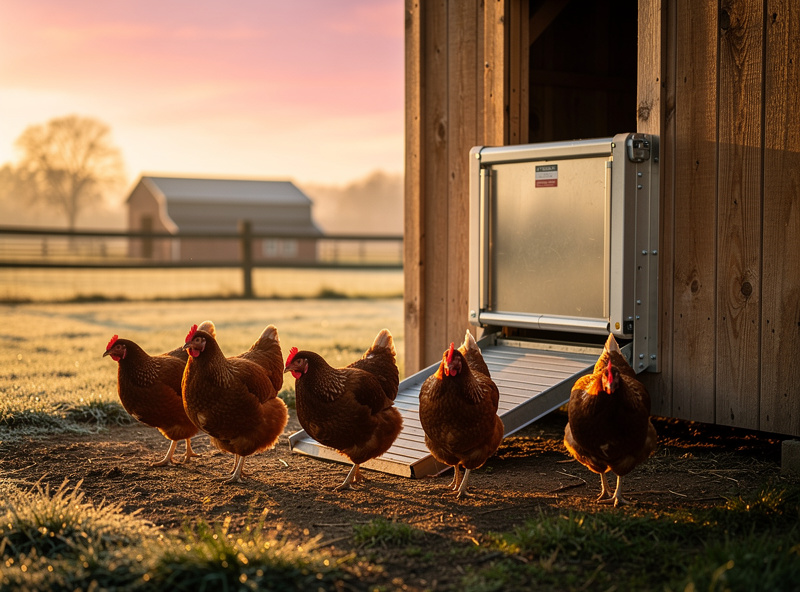
The fix is a per-month offset table. Implement once, runs forever:
- March-September: open at sunrise +15, close at sunset -10
- October-February: open at sunrise -5, close at sunset -20
Home Assistant handles this with two automations and a date condition. Alexa requires manually editing the offset twice a year, which most keepers forget. This is one practical reason to migrate to Home Assistant once you are comfortable with the basics — every other platform can be unified under it. Running a coop at Swedish latitude makes this worse, not better: a Nordic December sunrise is well past 8 a.m. and the offset swing between June and December is bigger than the mid-latitude example above, which is exactly why I built the seasonal table into my own automation instead of trusting one fixed offset year-round. The full smart chicken coop hub covers the complete smart automation stack including environmental sensors and camera integration that pair with door scheduling.
Reliability and Failure Modes
Three failure modes account for most smart-door complaints:
Wi-Fi drops in the coop. The smart plug or relay loses network and the schedule never fires. Fix: deploy a mesh node within 30 feet of the coop or use a thread/Zigbee device instead of Wi-Fi. Mesh networking principles for outdoor smart devices match the patterns covered in the linked HomeAutoCentral protocols guide above.
Battery-backup gap. The smart plug runs on grid power; if power blips, the door reverts to its onboard logic. For most door units that means it stays in last position, which can leave the flock locked out or in. Fix: a small UPS on the smart plug + door adapter — under $40, restores normal operation through 1-2 hour outages.
Schedule drift on cloudy days. Already addressed by using astronomical sunrise/sunset rather than light sensors — a genuine light sensor has to actually see enough light to trigger, and Extension’s backyard-poultry lighting guidance is exactly why: light levels drive flock behavior directly, so a sensor reading an overcast dawn as still-dark is doing what it’s designed to do, not malfunctioning. Astronomical time doesn’t have that failure mode. Camera gating from Architecture 3 above further refines timing for predator-active mornings.
For the door hardware itself rather than the schedule layer, my automatic coop door buyers guide covers selection by flock size and voltage, and the best automatic chicken door comparison ranks units by retrofit-friendliness for smart-home integration.
Frequently Asked Questions
Can Alexa open a chicken coop door directly?
Not natively. Alexa needs a smart plug, smart relay, or MQTT-compatible coop door as the bridge. Once one of those bridges is in place, Alexa Routines schedule the door using sunrise and sunset triggers with offsets.
Which platform is best for a coop door — Alexa, Google, or Home Assistant?
Alexa is easiest for casual setups. Google Home matches well for households already on the Google ecosystem. Home Assistant is the right choice for advanced users who want camera-based predator gating, offline operation, and conditional logic. Migrate to Home Assistant when reliability matters more than simplicity.
Will the schedule work during a power outage?
Alexa and Google routines need internet and grid power. They stop during outages. Home Assistant running locally on a Raspberry Pi continues operating offline if the door device itself has battery backup. A small $40 UPS on the smart plug bridges 1-2 hour outages reliably.
Why do my hens get locked out at dawn in October?
Sunrise offset that works in summer becomes too late in late autumn — civil twilight is longer relative to astronomical sunrise. Switch to a seasonal offset: open at sunrise -5 minutes from October through February, sunrise +15 minutes from March through September.
What is the best smart coop door for Home Assistant?
For a commercial door, the Run Chicken T50 paired with a Shelly 1 relay across the motor leads is the most reliable retrofit setup for full Home Assistant control. True MQTT-native commercial doors are still rare at this price point; most MQTT integrations are DIY ESP8266/ESP32 builds. ChickenGuard, Omlet, and Vevor work fine but require the smart-plug architecture rather than relay control.
Do voice assistants handle daylight saving time?
Yes. Alexa, Google Home, and Home Assistant all reference astronomical sunrise and sunset, which automatically shift with daylight saving. Light-sensor doors take 1-2 weeks to recalibrate after the spring and fall transitions, which is one major reason to use a smart-platform schedule instead.
Can I add camera-based predator detection to the door?
Yes, but only in Home Assistant. Use a coop camera with motion or person detection (Frigate, Reolink with HA integration). Add a condition to the morning open automation that checks motion count in the last 5 minutes and blocks the door from opening if elevated. Alexa and Google do not support this conditional logic.
Related Articles
- Automatic Coop Door Buyers Guide
- Best Automatic Chicken Door Compared
- Smart Chicken Coop Hub
- Smart Coop Camera Network Setup
- Off-Grid Smart Chicken Coop
Related Guides
Water-Level and Flow Sensors: Knowing the Waterer Is Empty Before They Do
A coop water-level sensor tells you the drinker is going dry — or freezing solid — before the flock does,…
Ammonia Sensors for the Coop: Catching Air Problems Before You Smell Them
An ammonia sensor belongs at the birds’ breathing height, close to the litter where the gas is generated, because that…
Node-RED vs Home Assistant Automations for the Coop: When to Use Which
Use native Home Assistant automations for the coop’s simple, safety-critical rules — the sunrise door, the freeze-watch waterer — and…