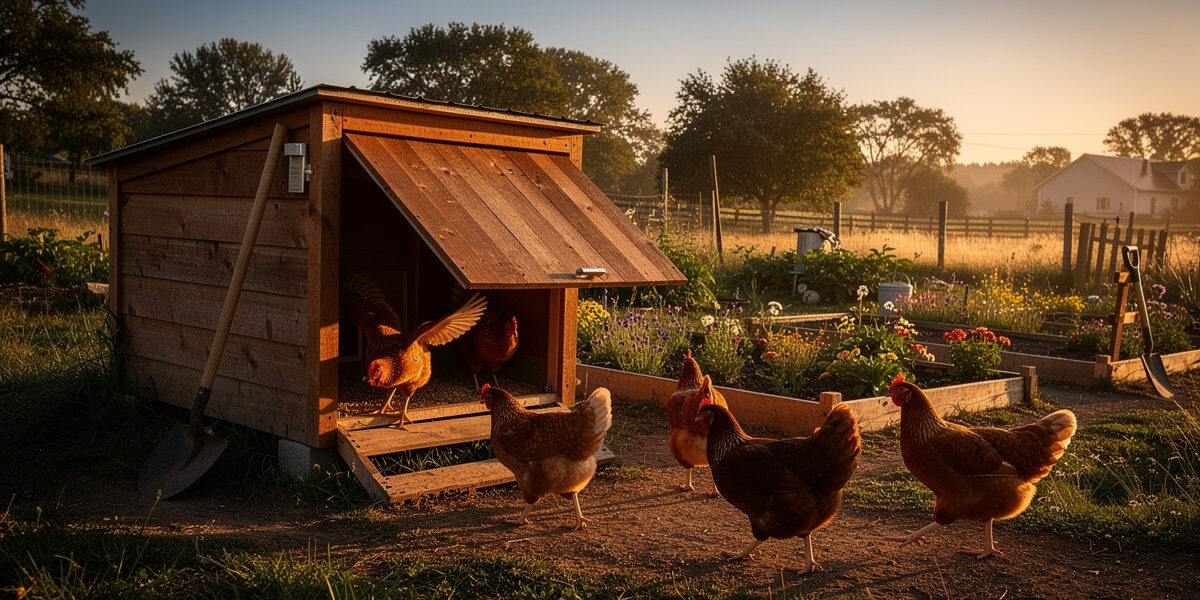
Not every coop door brand actually plays nice with a smart-home schedule, and that’s the gap this guide fills. A smart coop door scheduled to local sunrise and sunset makes roughly 730 open/close transitions a year — two a day, every day — and which voice ecosystems those transitions reach depends entirely on which door you bought and how it fails when something goes wrong. Done correctly, you get verbal status checks (“Alexa, is the coop closed?”), routines that flash a porch light if the door is still open after dark, and override commands when a hen escapes at dusk and you need 30 more seconds before lockup — but only on brands that support it, and only if you’ve planned for the failure modes below.
The challenge is that most coop-door brands ship with their own app and stop there. Very few speak Matter natively, and integration paths vary wildly brand to brand — some route through the Tuya/Smart Life ecosystem, some lock you into a proprietary cloud skill, and some (Run-Chicken’s photocell models) don’t speak any network protocol at all. This guide covers the three voice ecosystems most coop-keepers run into and what’s actually possible on each. For deeper protocol-level context on what runs underneath the voice layer, my voice assistants and smart home protocols guide walks through Matter, Zigbee, and Z-Wave at the bridge level — useful background before you commit to a specific door brand.
Why Scheduling Beats Manual Control
Predator pressure peaks around dawn and dusk — foxes are genuinely crepuscular, most active in that twilight window, while raccoons lean more purely nocturnal (Poultry Extension). Either way, hens are still active outside the coop right at the moment human supervision has usually dropped for the evening. A scheduled door that closes shortly after civil twilight catches stragglers and locks the run before the highest-risk window opens. Manual closing rarely hits that window consistently, especially through a Nordic winter when sunset creeps earlier by several minutes a week and it’s dark by mid-afternoon.
Voice control on top of a schedule isn’t a replacement — it’s a fail-safe. The schedule handles the 364 normal nights of the year. The voice command handles the night your visitor leaves a hen in the run, or your scheduled-close fails because a stick jammed the rail. Routines tie the two together: “If door not closed by 9 PM, send notification” is the rule that prevents a single missed sweep from costing a flock.
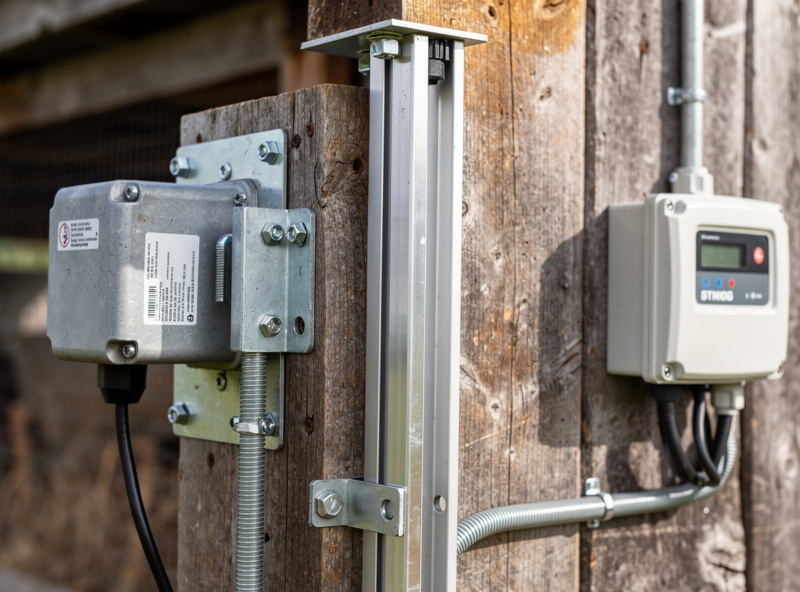
Coop-Door Brands by Smart-Home Compatibility
Not every door integrates well. The realistic compatibility map for the major brands sold in 2026:
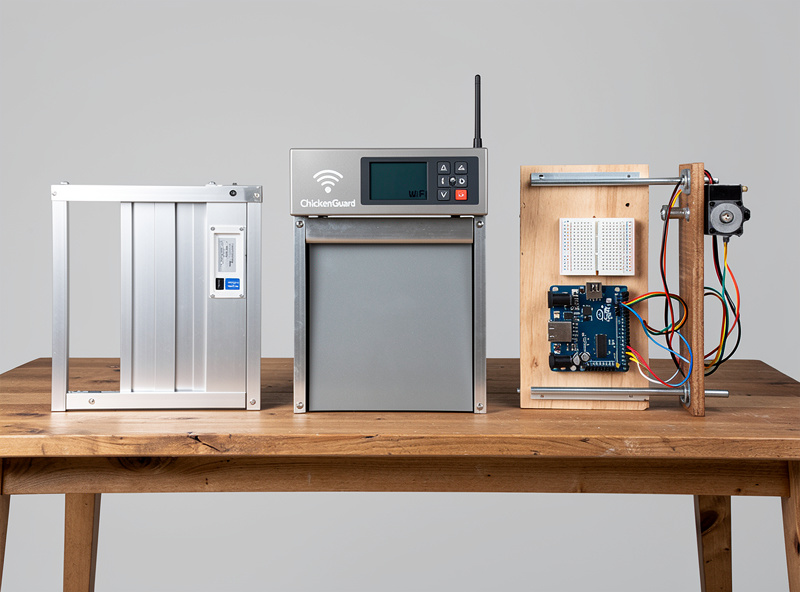
- Run-Chicken T50 — proprietary photocell only. No Wi-Fi, no app, no integration. Reliable mechanically but invisible to any voice ecosystem.
- JVR and similar Tuya-based Wi-Fi doors — connect through the Tuya or Smart Life app, which works in Alexa and Google Home once linked. Home Assistant via the LocalTuya integration once you extract the local key.
- Omlet Autodoor — Wi-Fi native, Omlet app required. Limited Alexa integration through their cloud skill. No Home Assistant integration without HACS community work.
- ChickenGuard Premium WiFi — Wi-Fi over their app, integrates with Alexa and Google through cloud. Local control requires a paid IFTTT layer.
- DIY (Arduino + relay) — full local control, MQTT-native, works perfectly in Home Assistant. No Alexa or Google unless you bridge MQTT through Home Assistant’s cloud add-on.
If you haven’t bought a door yet and you’re committed to voice integration, ChickenGuard Premium WiFi or a DIY build are the cleanest paths. For the buying-decision details on these models — power, weather rating, motor type — see the automatic coop doors hub.
Setting Up an Alexa Schedule
Alexa handles coop doors well once they appear as a smart-home device. The setup path:
- Add the door to its native app first (Tuya, Omlet, ChickenGuard) — confirm it opens and closes from there before touching Alexa.
- Open Alexa app → More → Skills & Games → search for the door brand’s skill — install and link your account.
- Run device discovery — the door appears as a generic switch or contact sensor depending on brand.
- Create a routine: When → Schedule → “30 minutes after sunset” / “30 minutes before sunrise” — Alexa pulls sunset from your address.
- Action → Smart Home → select the door → set state.
The only gotcha: Alexa’s “30 minutes after sunset” rounds to the minute, not the second, and refreshes daily from cloud. If your internet is out, the routine fails silently and nothing closes. That’s why a fall-back schedule based on raw clock time (closes at 8:45 PM regardless) is a useful redundancy through winter when sunset is most variable.
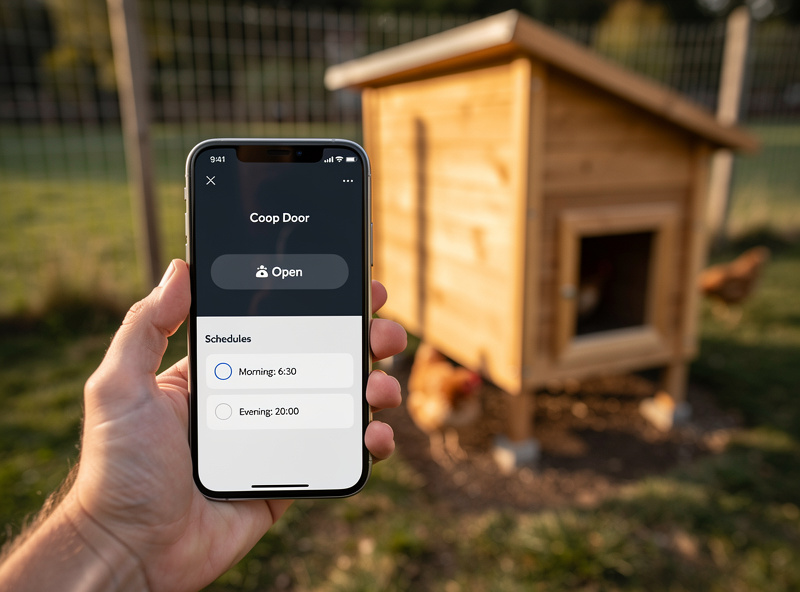
Setting Up a Google Home Schedule
Google Home handles the same flow with one key difference: their automations engine is more capable than Alexa’s but the UI hides it. The setup:
- Link the door brand’s service in Google Home → Settings → Works with Google.
- Add the device to a coop-specific room (so voice scoping works: “Hey Google, close the coop”).
- Google Home app → Automations → Create Household Routine → Time → “Sunset (offset 30 minutes after)”.
- Action → Adjust device → Coop Door → Off (or whichever state your brand maps to “closed”).
Google’s edge over Alexa is the conditional automation — you can layer “Only if a household member is home” or “Only if it’s a weekday” on the schedule, useful if you want manual control on weekends and automatic during the workweek. Both ecosystems are equally weak at error reporting; if the door fails to close, neither will tell you proactively without a separate notification routine.
Setting Up a Home Assistant Schedule (the Power-User Path)
Home Assistant is where serious coop automation lives, and it’s the layer my own coop actually runs on. It runs locally, doesn’t depend on cloud uptime, and can pull from sensors the voice ecosystems can’t see. A representative configuration looks like this:
- Door entity: ESPHome firmware on an ESP32 in a DIY door, OR LocalTuya integration for a Tuya-based Wi-Fi door, OR Tasmota-flashed ChickenGuard.
- Schedule: built-in sunset/sunrise sensor (`sun.sun` entity) with offset triggers in YAML automations.
- Pre-close warning: 5-minute warning chime through a coop speaker so stragglers come in.
- Confirmation sensor: a separate magnetic reed switch confirms the door actually reached the closed position — not just that the relay fired.
- Notification on failure: if confirmation fails, push notification to phone via Home Assistant Companion app.
The reed-switch confirmation is the feature that justifies Home Assistant for many keepers. Voice ecosystems trust their device’s self-report, and “door blocked” or partial-close failures are a documented, common enough complaint that Omlet maintains its own door-blocked troubleshooting article for it — an obstruction (bedding, a slow hen, ice buildup) can leave a door reporting “closed” on the motor side while it’s still cracked open. A separate reed switch catches that regardless of brand. Layer this on top of the wider predator protection cluster guidance for full overnight security.
Common Schedule Failure Modes
“Schedule worked, then stopped” is a recurring complaint pattern across keeper forums and manufacturer support threads. The usual causes:
- DST transitions — door brand pulled time from cloud and fell back to UTC after a router reboot. Symptoms: opens 1 hour late or 1 hour early for ~2 weeks until manually re-synced.
- Wi-Fi router IP renewal — door lost its assigned IP and never got a new lease. Symptoms: door responds in app, doesn’t respond to schedule.
- Cloud-skill outage — Tuya or Omlet cloud service down for an evening. Symptoms: routine fires in Alexa logs but the door never moves.
- Battery low on remote-only doors — battery-powered remotes and door units run down on a cycle most manufacturers don’t clearly document in the manual. Schedule sends, door doesn’t respond, and the failure looks identical to a Wi-Fi drop until you check the battery.
- Solar panel dirty (solar-powered doors) — battery drained over a 2-week cloudy stretch. Door still has comms but no power for the motor.
The fix pattern for all of these is the same: a confirmation sensor (separate reed switch reporting to a separate platform) and a daily summary routine that reports door state at 9 PM each night. If the report doesn’t arrive, that’s the alert.
When You Should Skip Voice Integration Entirely
Voice control isn’t the right answer for everyone. Skip the integration entirely if any of the following applies:
- Your coop is more than 50 metres from your house and on a separate Wi-Fi mesh — the additional failure points outweigh the convenience.
- You already check the coop in person every morning and evening — the voice command is solving a problem you don’t have.
- You run a Run-Chicken T50 photocell door — it works perfectly without integration and adding any will reduce reliability.
- Your internet is unreliable (rural fixed-wireless, satellite) — cloud voice routines fail more often than they succeed.
For these setups, a simple photocell or astronomical timer is more reliable than any voice integration. The voice ecosystem is a layer on top of automation that’s already good — it doesn’t fix bad automation.
Frequently Asked Questions
Can I close my coop door by saying it to Alexa?
Yes, once the door is registered as a smart-home device through its brand skill. ChickenGuard, Omlet, and Tuya-based Wi-Fi doors like JVR all expose the door as a switch or contact sensor that responds to voice commands like Alexa, close the coop door.
Does the door schedule update for daylight saving time automatically?
It depends on the brand. Tuya and ChickenGuard pull from cloud time and update automatically. DIY and Home Assistant doors use the local sun sensor which never needs DST adjustment because it tracks actual sunset, not clock time.
What happens if the internet is down at sunset?
Cloud-based schedules from Alexa or Google fail silently because they cannot reach the brand server. Home Assistant schedules and brand-native scheduled mode (configured directly on the door, not via voice) continue to work because they run locally on the device.
How do I know the door actually closed?
The brand app reports the motor state, but a separate reed switch sensor on the door frame is the only way to confirm physical closure. Wedged or partially closed doors will report success on the motor side but fail at the reed switch, which triggers a separate notification.
Can Home Assistant control a door that has no Wi-Fi?
Yes, with a 433 MHz transceiver like the SonOff RF Bridge flashed with Tasmota or an RTL-SDR dongle. The bridge captures the original remote codes and replays them under Home Assistant control, giving local automation to even radio-only doors.
Should I close at sunset or 30 minutes after sunset?
Thirty minutes after civil twilight is the standard recommendation. Closing at sunset locks out hens who have not yet come in. Closing 60 minutes after sunset gives nocturnal predators a head start. Thirty minutes balances both risks.
What is the most reliable smart coop door schedule setup overall?
A locally hosted Home Assistant schedule with a separate reed switch confirmation sensor and a phone notification on failure. The door does not depend on cloud uptime, the schedule tracks real sunset, and a wedged or partially closed door triggers an alert within 5 minutes.
Related Articles
- Automatic coop doors hub — buying guide and brand comparison
- Smart Chicken Coop hub — sensors, cameras, automation
- Predator Protection — beyond just locking the door
- Feeding and Watering automation — pair with door schedules
- Voice assistants and smart-home protocols guide (HomeAutoCentral)
Related Guides
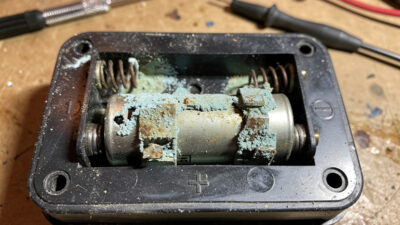
Automatic Coop Door Problems: Troubleshooting and Maintenance Guide
Fix every automatic coop door problem — dead batteries, stuck panels, sensor failures, grinding motors, and seasonal issues. Complete troubleshooting…
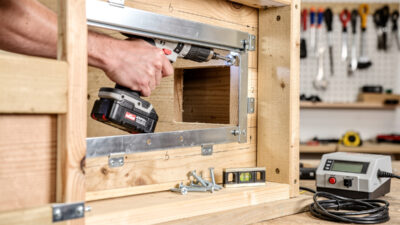
Automatic Chicken Door Openers: Installation and Setup Guide
Step-by-step guide to installing an automatic chicken door opener — tools, pop hole prep, mounting, sensor setup, testing, and troubleshooting…
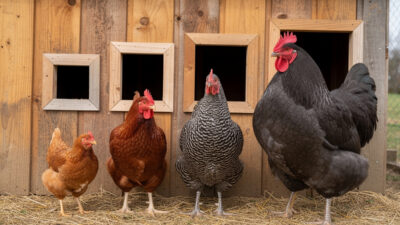
How to Choose the Best Automatic Chicken Door for Your Flock
Choose the right automatic chicken door for your coop — pop hole sizing, sensor types, power sources, safety features, predator…